TTS-STUDIO
◈ Economy
TradeForge
One shared window, and nothing moves until both say yes
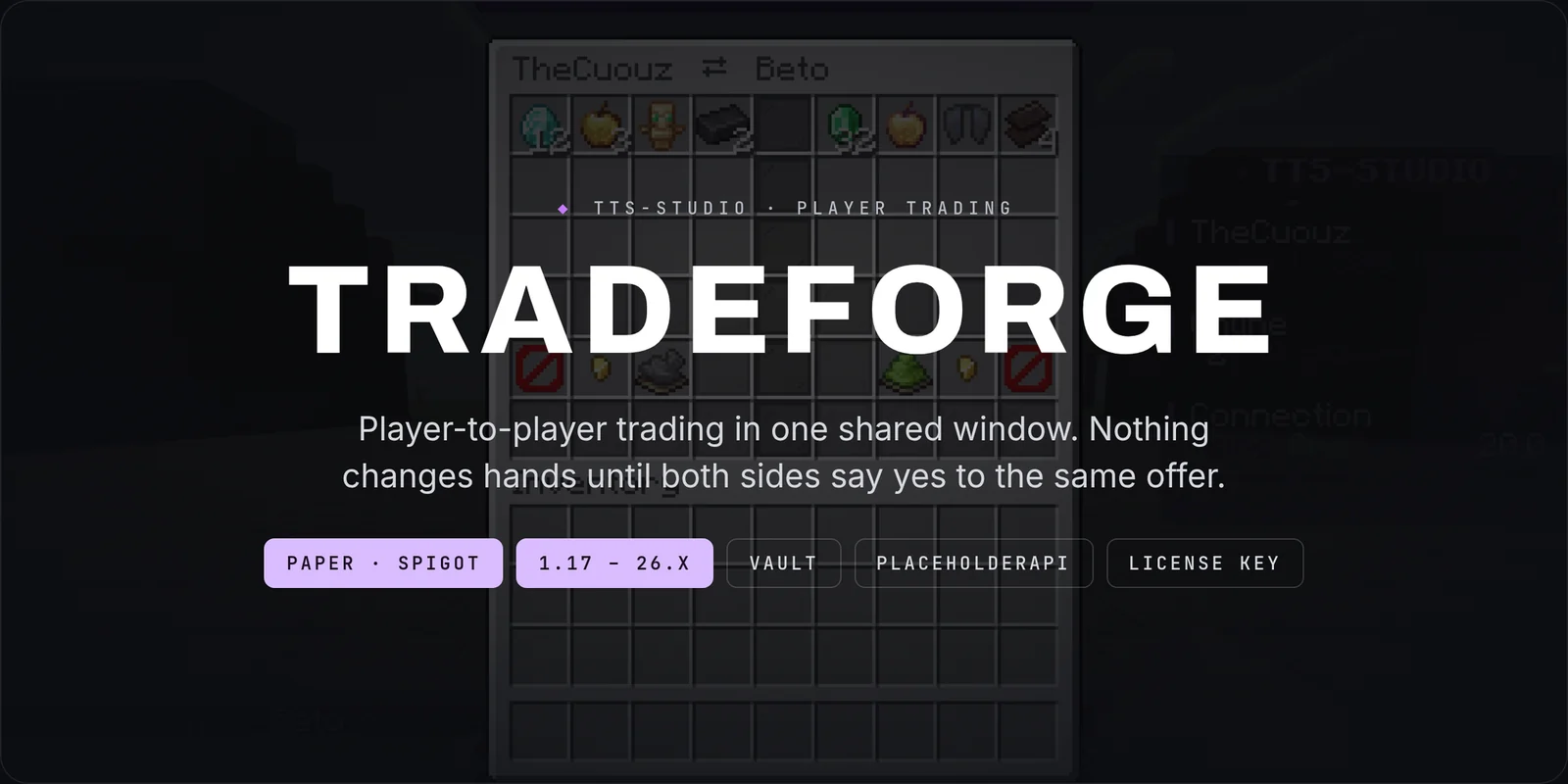
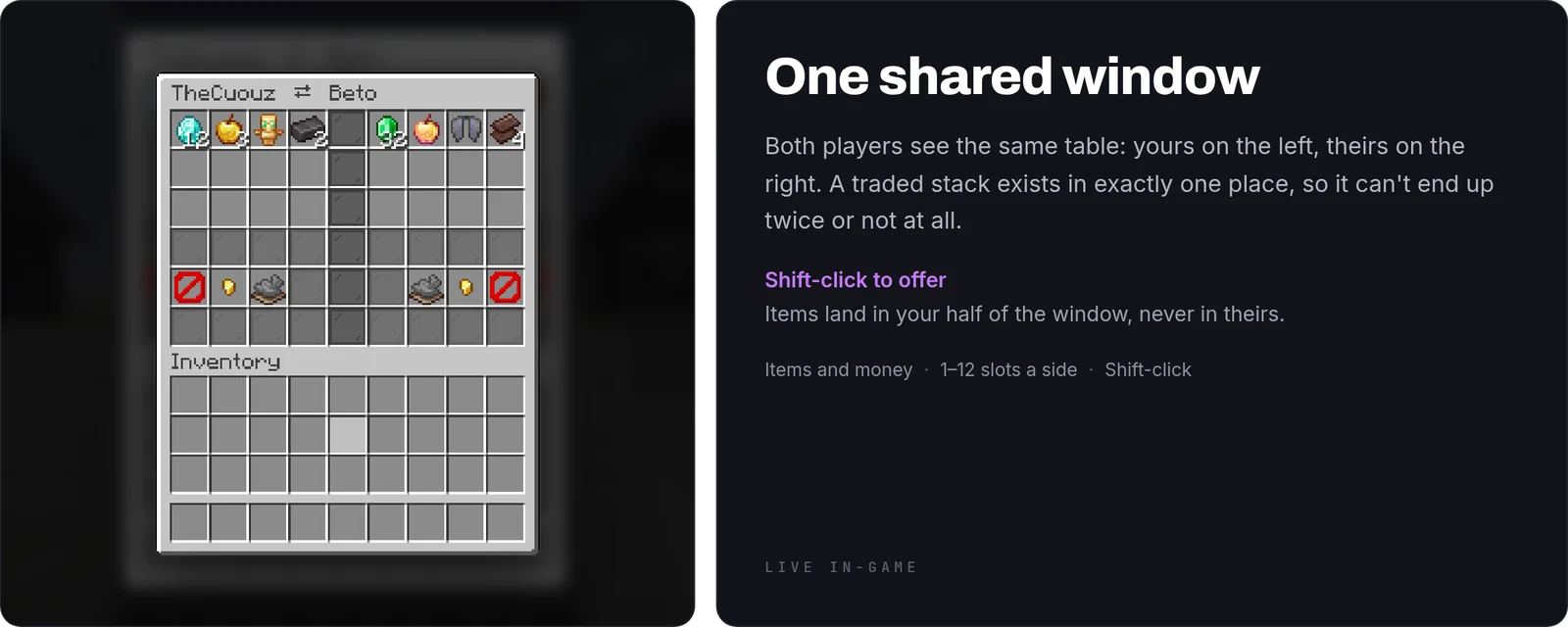
TradeForge is player-to-player trading for Paper and Spigot, from 1.17 to 26.x. Two players, one shared window, items and money on the table, and nothing changes hands until both sides have said yes to the same offer.

The three decisions
- One shared window: there is exactly one place where a traded stack exists at any moment. With two copies to keep in sync on every click, any drift is an item that exists twice or not at all.
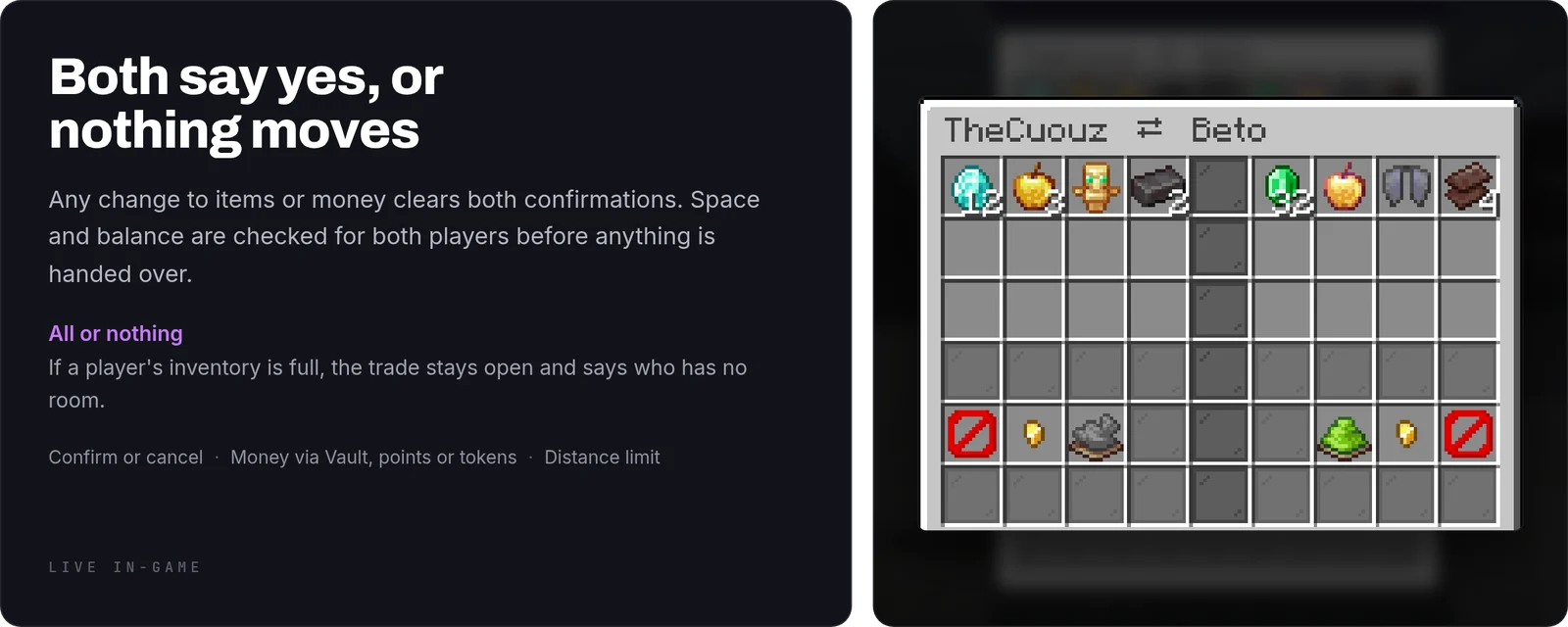
- Any change clears both confirmations: items, money, either side. It isn't a setting you can weaken. It is the whole defence against changing the deal after somebody agreed to it.
- All or nothing: inventory space and balance are checked for both players before anything moves, so a trade never ends with half the load on the floor.
When things go wrong
- Somebody disconnects mid-trade: what they had on the table is written to disk and handed back the next time they log in.
- Somebody dies mid-trade: the same, handed over on respawn.
- The server stops mid-trade: the same again, written before the plugin disables.
- A balance drops between confirming and closing: the trade aborts and tells both players, instead of half-paying anybody.
- One of you walks away: the distance is measured again at settlement, not only when the window opened.
- Somebody's inventory is full: the trade stays open and says who has no room, so it can be fixed without starting over.
- Both close the window at the same instant: the goods are returned once, not twice.
How to use it
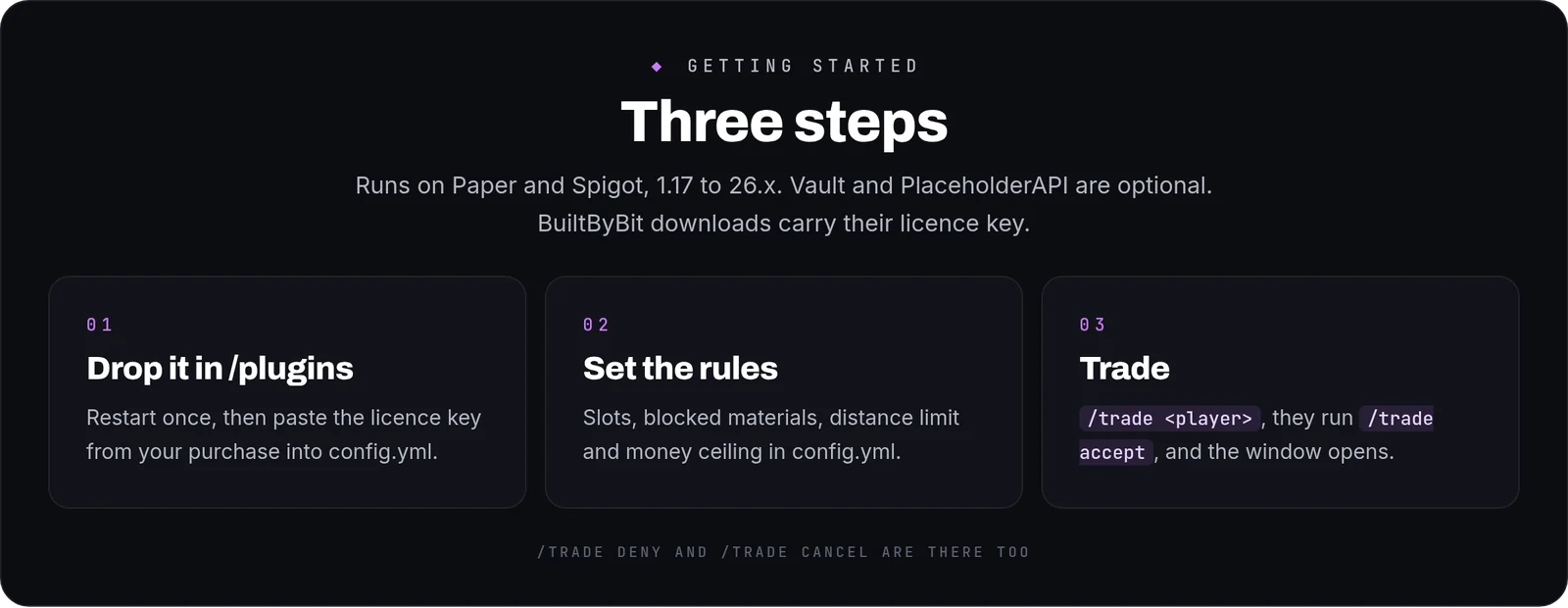
- Install: drop the jar into
/pluginsand restart once. English is the default. - Set the rules in
config.yml: slots per side, blocked materials, the distance limit and the money ceiling. - Trade:
/trade <player>sends a request, and the other player runs/trade accept. Shift-click an item to offer it, use/trade money <amount>to add money, and click the bottle on your side to put experience levels on the table (left click adds one, right click takes one off, Shift moves ten), or type/trade xp <levels>. Up to two more currencies get their own buttons, and/trade offer <currency> <amount>sets an exact amount.
Commands and permissions
/trade <player>,/trade accept,/trade deny,/trade cancel,/trade money <amount>,/trade xp <levels>and/trade offer <currency> <amount>(aliases/tradeforgeand/tf)./trade logshows the recent trades (tradeforge.log).tradeforge.use,tradeforge.moneyandtradeforge.xpare on for everyone.tradeforge.log,tradeforge.reloadand the two bypasses (tradeforge.bypass.blocked,tradeforge.bypass.distance) default to operators.- Every node is declared in
plugin.yml, so your permissions plugin can see them all.
FAQ
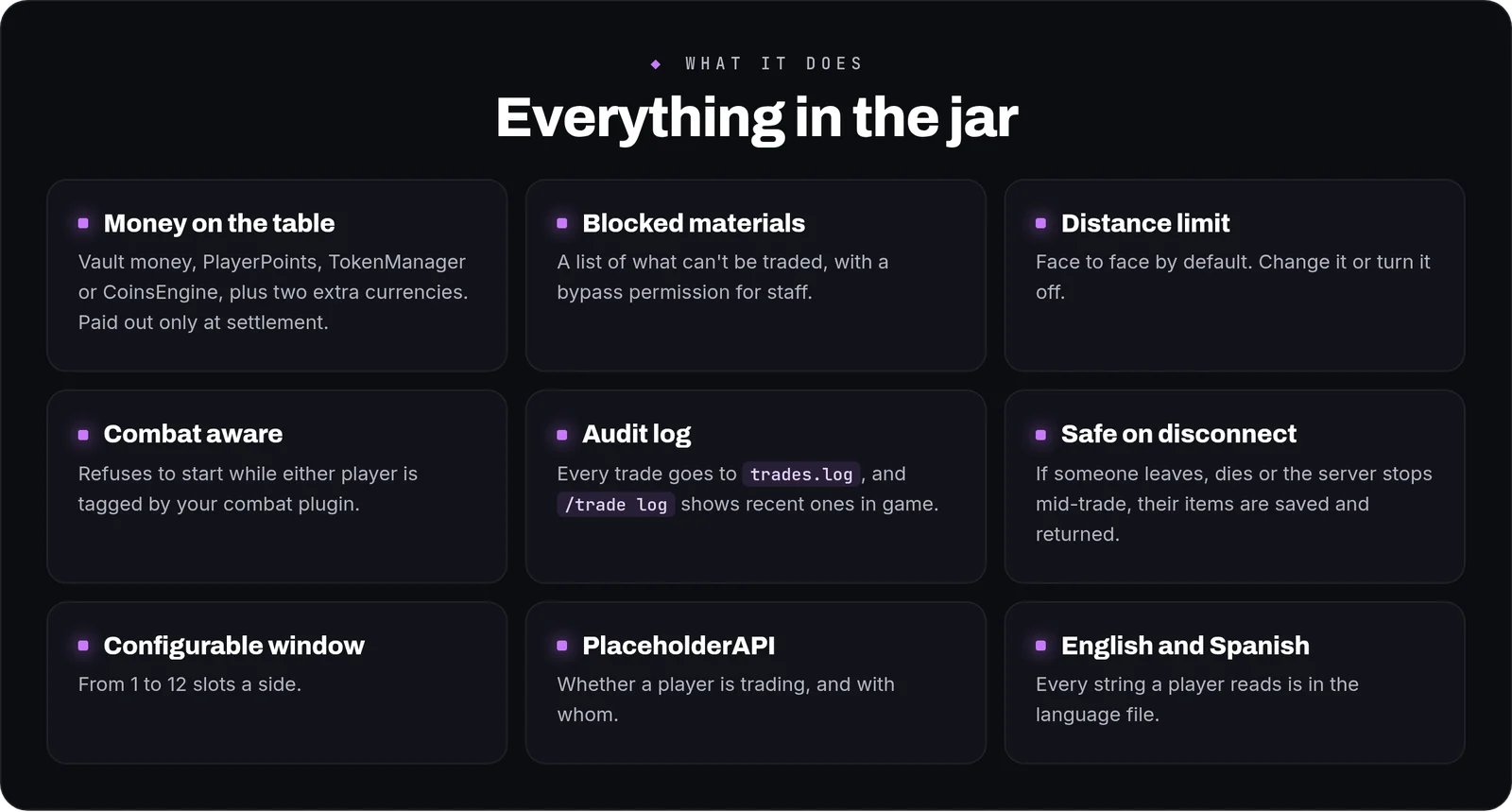
Can players trade money?Yes, with Vault and an economy plugin. Money is only taken and paid at settlement, with an optional ceiling per trade.
Can they trade points or tokens?Yes. The money button can trade PlayerPoints, TokenManager tokens or an ExcellentEconomy / CoinsEngine currency instead of Vault money, and up to two extra currencies can sit beside it. All of them move in one step: if an economy refuses one payment, the ones already made are given back and the trade stays open.
Can I stop certain items being traded?Yes. List them under blocked materials. Staff with the bypass permission can still trade them.
Where can I see what was traded?Every settled trade is added to trades.log, tab separated, and /trade log shows the recent ones in game.
Can players trade experience?
Yes. Levels move as the experience points they are worth: the giver keeps their progress bar and the receiver gets exactly those points, so five levels at level 40 are worth what they cost and no trade creates or destroys experience. Nothing leaves the giver until both confirm, and spending the levels mid-trade stops the deal.
Are trades blocked during a fight?
Yes, when the server marks combat. CombatLogger (free, from the same suite) does it out of the box; any plugin that sets the in-combat metadata works too.
Commands
| Command | What it does |
|---|---|
/trade | Trade items and money with another player. |