TTS-STUDIO
◈ Chat & Social
ChattyChannels
Channels, private messages, ignore and friends in one
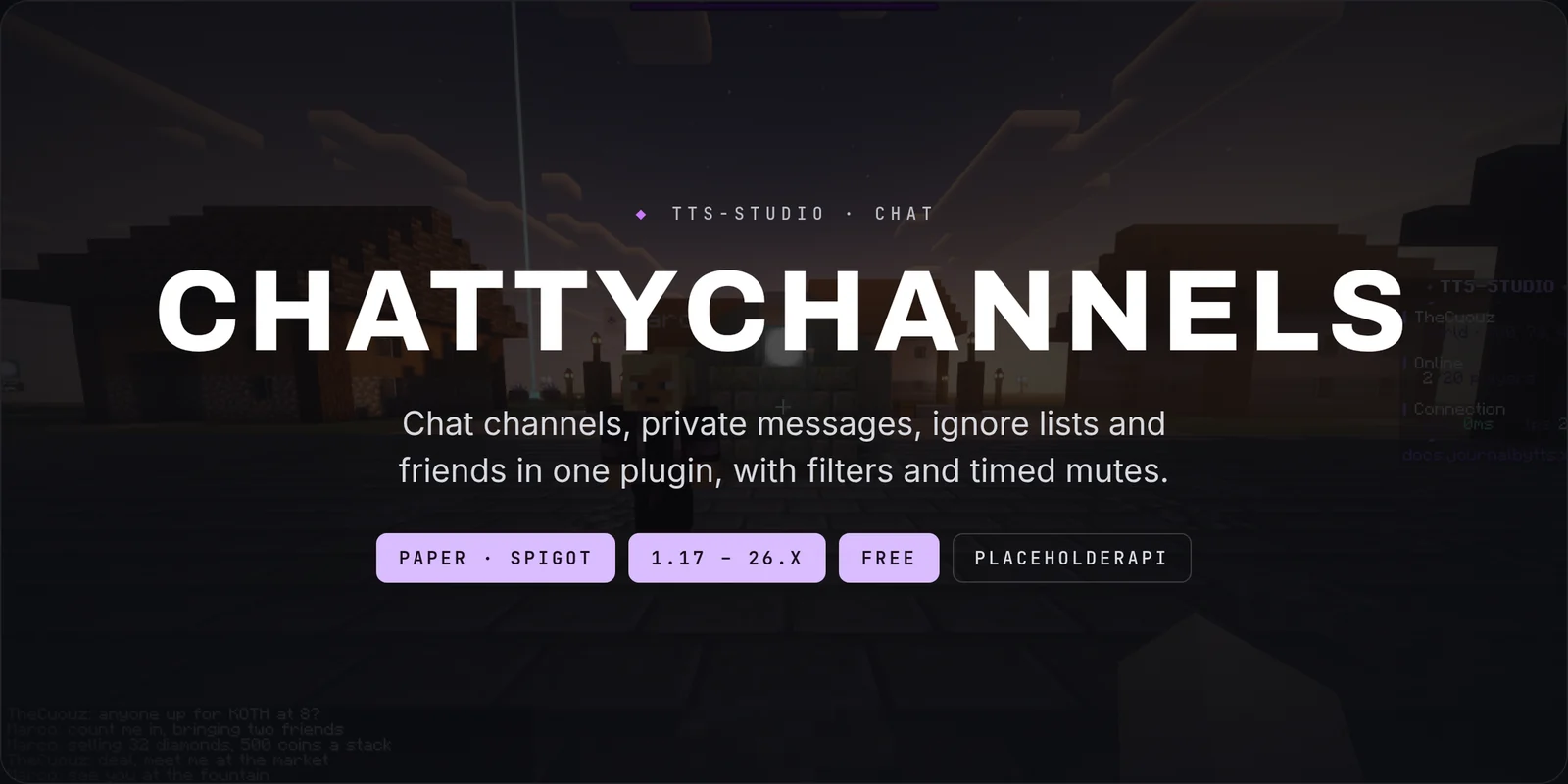
ChattyChannels is a free chat plugin for Paper and Spigot, from 1.17 to 26.x. It gives your server chat channels with their own range and permissions, private messages, ignore lists and a friends list, plus spam and word filters, timed mutes and a staff spy view.

How it works in play
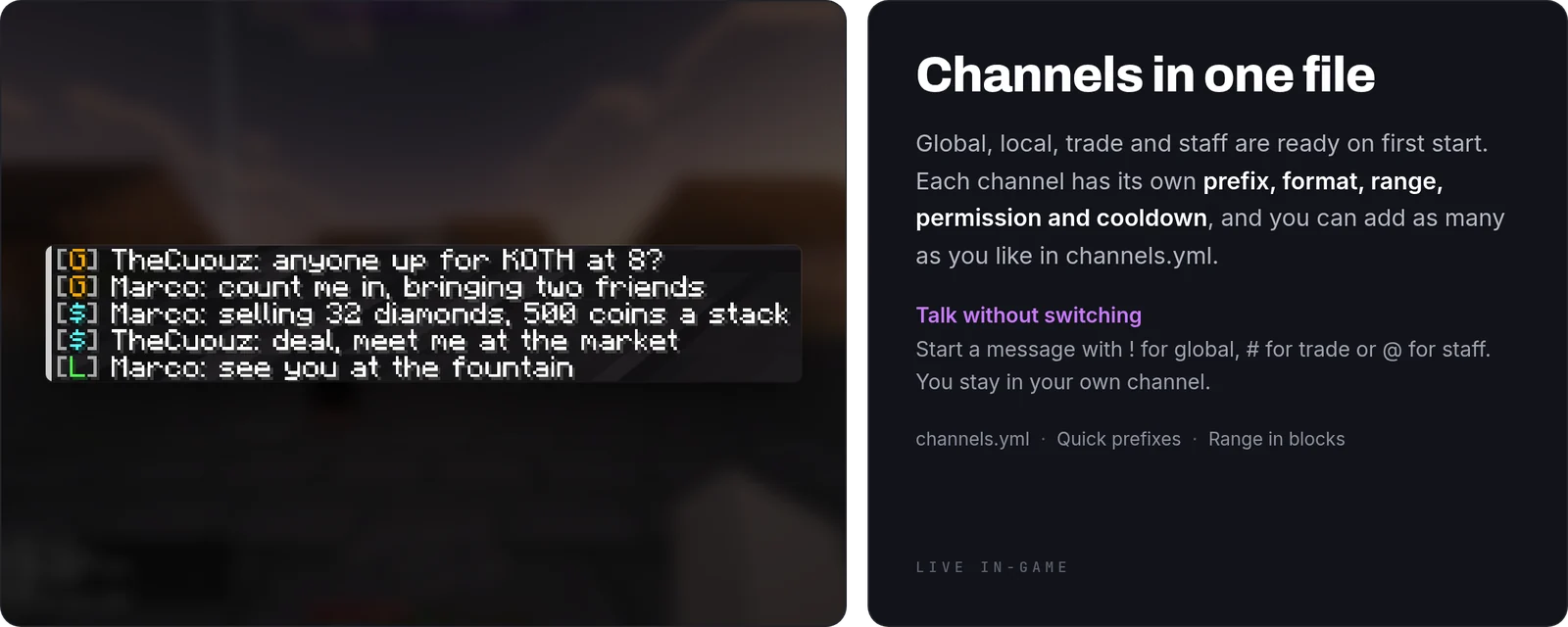
- Channels: global, local (100 blocks), trade and staff are set up on first start. Players join local by default and switch with
/channel <id>. - Quick prefixes: start a message with
!to send it to global,#to trade or@to staff, without leaving your current channel. - Hiding channels:
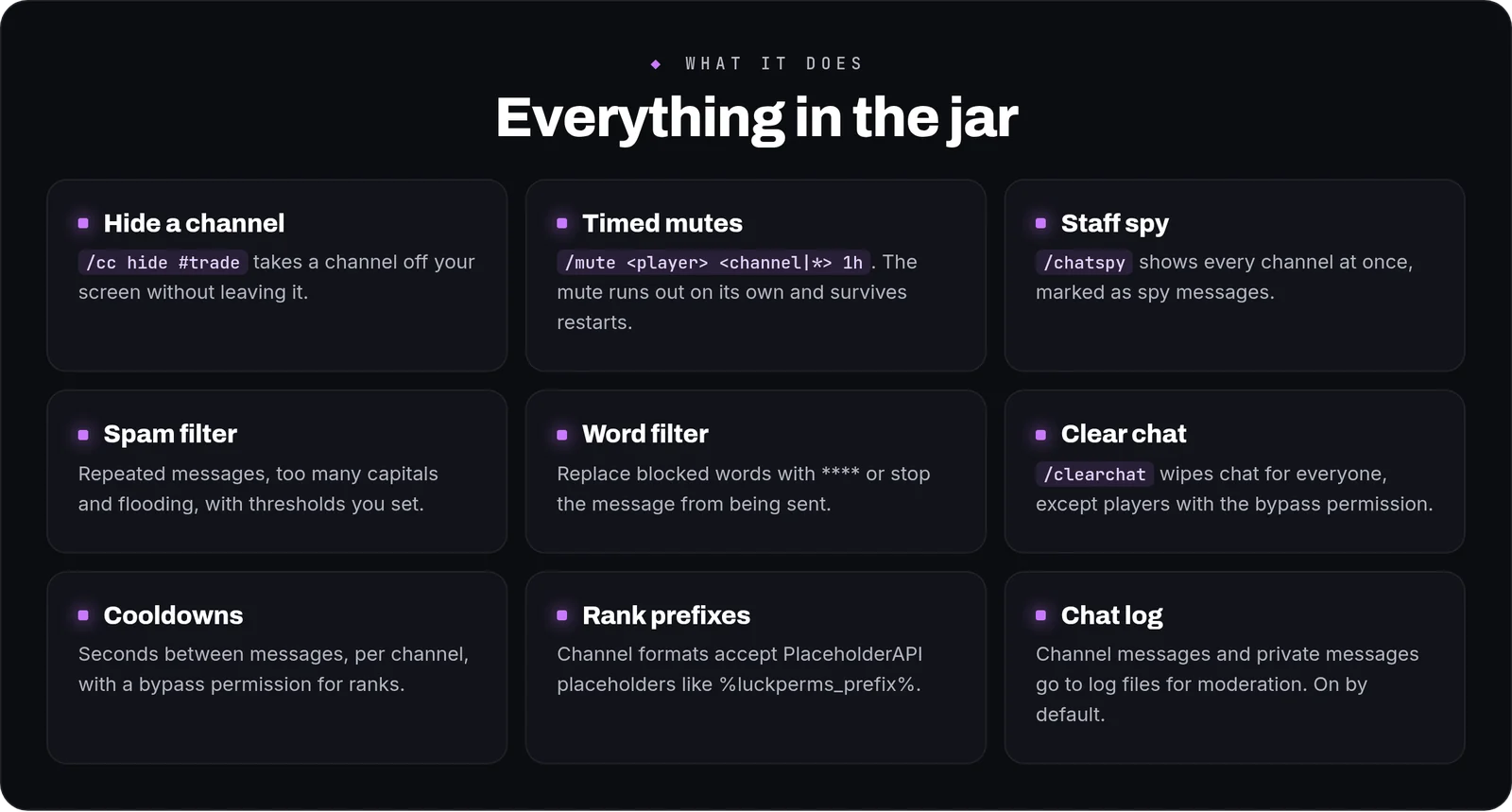
/cc hide #tradestops a channel from showing on your screen;/cc showbrings it back and/cc hiddenlists what you've hidden. - Private messages:
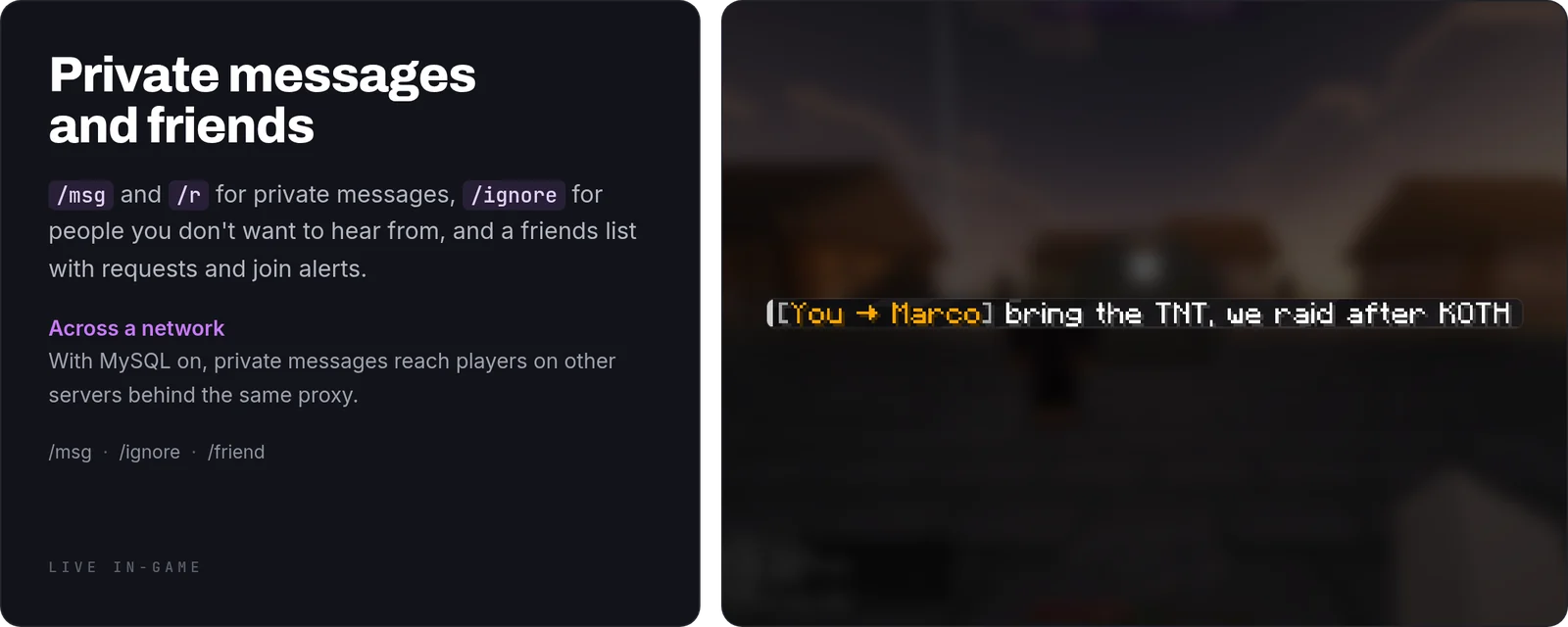
/msg(also/tell,/w) and/rto reply./ignoreblocks a player's messages. - Friends:
/friend addsends a request that the other player accepts or denies. Friends get an alert when you join, and requests expire after 7 days.
Moderation
- Timed mutes:
/mute <player> <channel> <duration>with durations like10m,2hor1d; use*as the channel to mute everywhere. The mute runs out on its own and keeps counting through restarts. - Spam filter: blocks the same message twice within 5 seconds, messages that are 70% capitals, and more than 4 messages in 5 seconds. All thresholds are in
config.yml. - Word filter: replace listed words with
****or block the message. - Staff tools:
/chatspyshows every channel at once,/clearchatclears chat for everyone, and channel and private messages are written to log files.
How to use it
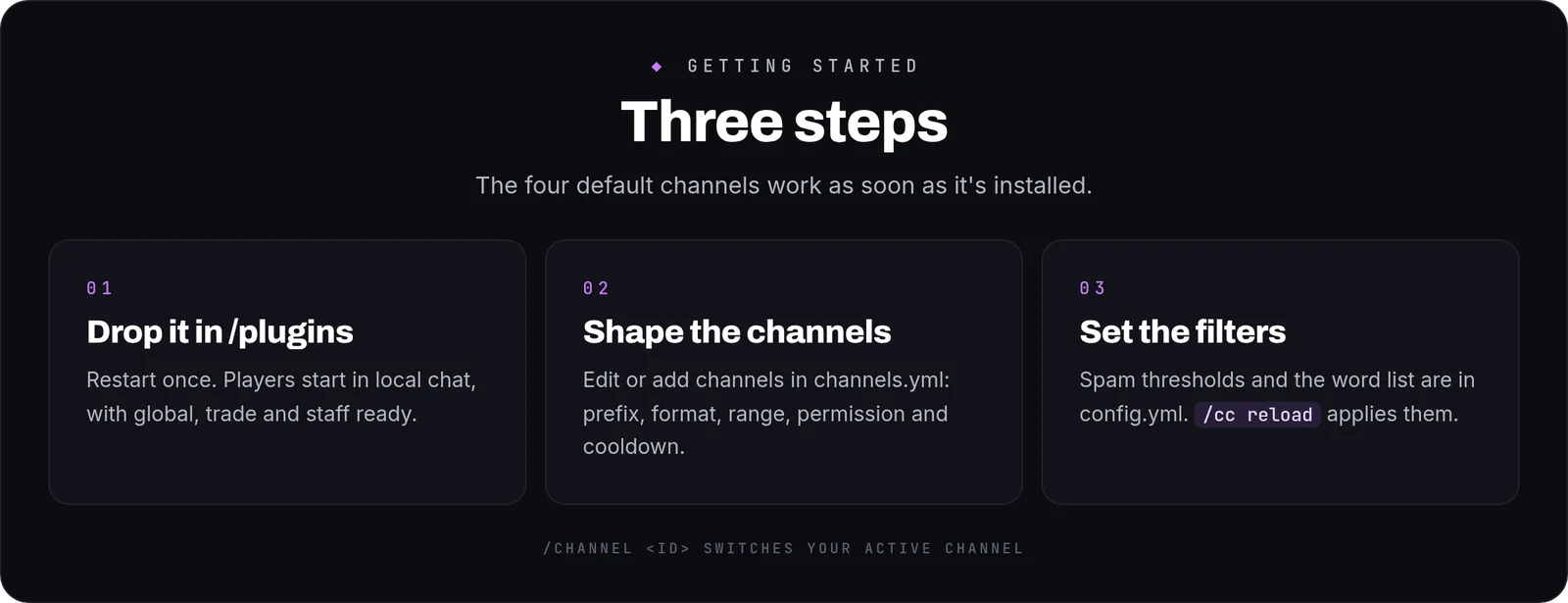
- Install: drop the jar into
/pluginsand restart once. English is the default; setlanguage: esfor Spanish. - Edit the channels in
channels.yml. Each one has a display name, quick prefix, format, range (-1for the whole server), permission and cooldown. Formats accept PlaceholderAPI placeholders such as%luckperms_prefix%. - Set the filters and the word list in
config.yml. - Apply changes with
/cc reload.
Commands and permissions
- Everyone:
/channel,/channels,/cc hide|show|hidden,/msg,/r,/ignore,/friend. - Each channel has its own permission,
chatchannels.use.<channel>. Staff is operators only by default. - Operators:
chatchannels.mute,chatchannels.spy,chatchannels.clearchat, andchatchannels.bypass.cooldown/chatchannels.bypass.filter.
Placeholders
With PlaceholderAPI installed: %chatchannels_active% (the player's current channel) and %chatchannels_muted%.
FAQ
Can a player be muted in trade but still talk elsewhere?Yes. /mute Steve trade 1h mutes them in trade only; /mute Steve * 1h mutes them everywhere.
Do mutes wear off if the server restarts?No. They're saved and keep counting down.
Can I add a town or roleplay channel?Yes. Add a block to channels.yml with a range in blocks and its own permission.
Can I translate the messages?Yes. English and Spanish are included in lang/, in MiniMessage, and missing keys fall back to English.
Commands
| Command | What it does |
|---|---|
/channel | Switch your active chat channel |
/channels | List available chat channels |
/mute | Mute a player from a channel |
/unmute | Lift a player's mute |
/chatspy | Toggle chat spy mode |
/clearchat | Clear the visible chat for all players |
/cc | ChattyChannels admin and player commands |
/msg | Send a private message |
/reply | Reply to the last private message |
/ignore | Ignore or un-ignore a player |
/friend | Friends system |