TTS-STUDIO
◈ Admin & Utility
ItemForge
The item in your hand, edited from one command
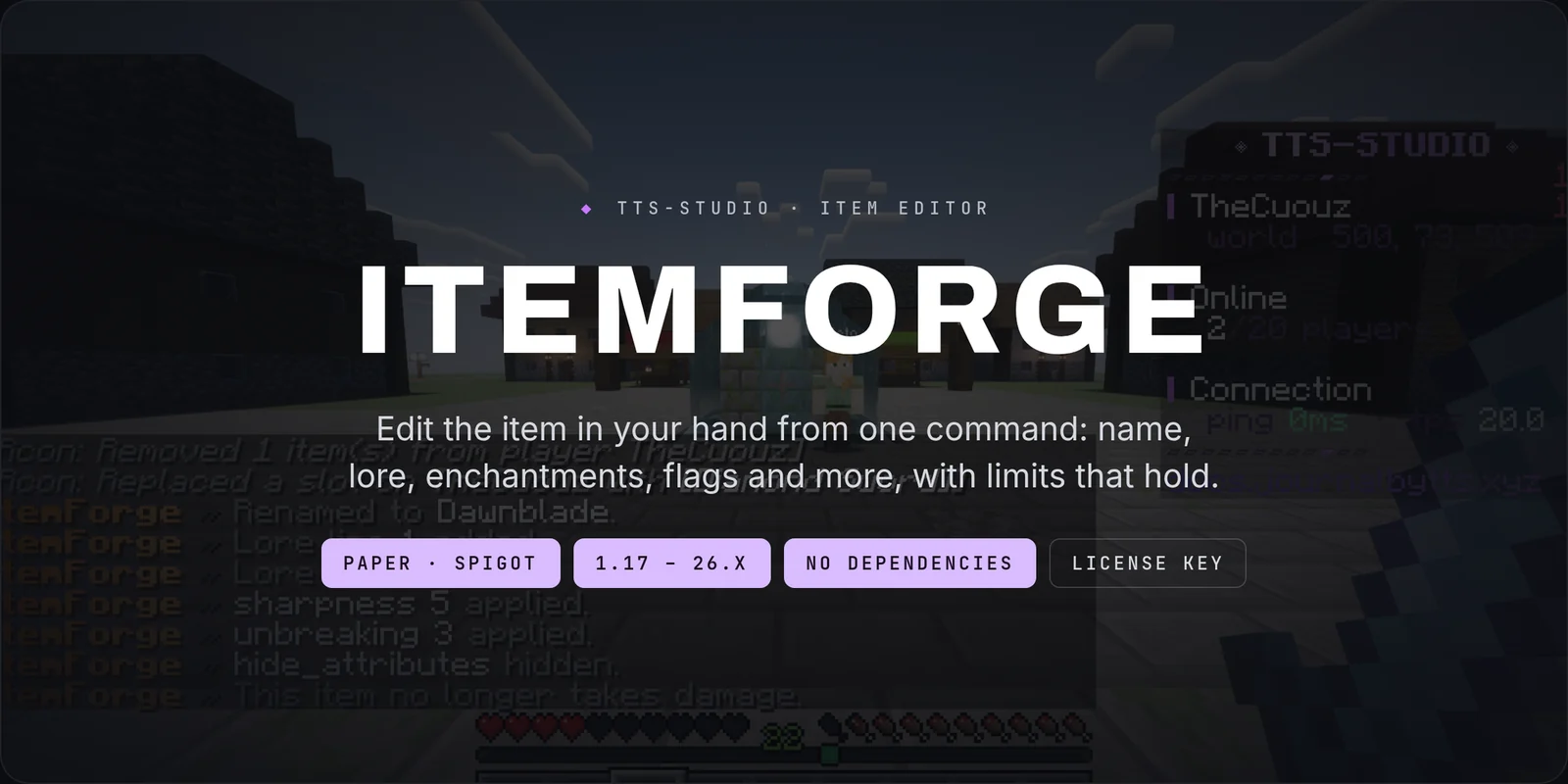
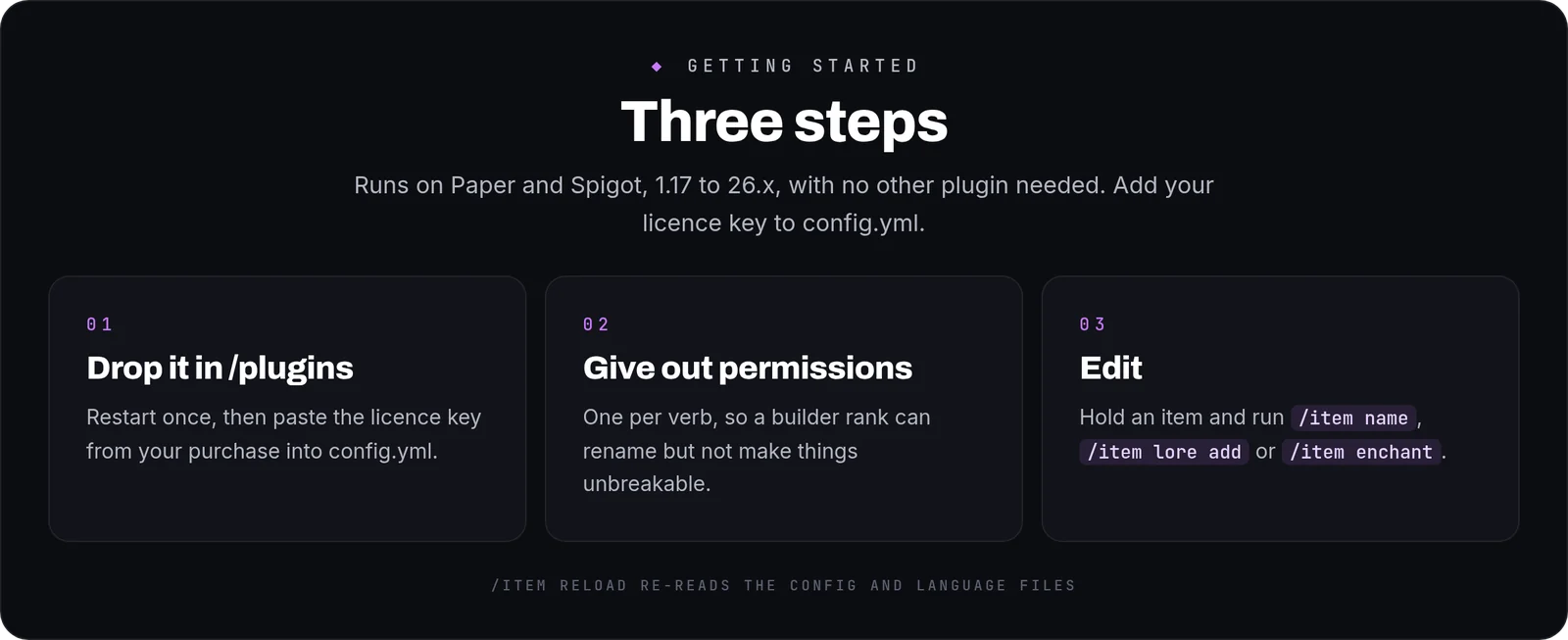
ItemForge edits the item in your hand from one command, on Paper and Spigot from 1.17 to 26.x: name, lore, enchantments, flags, unbreakable, stack size, custom model data and player heads. No other plugin is needed.

The three decisions
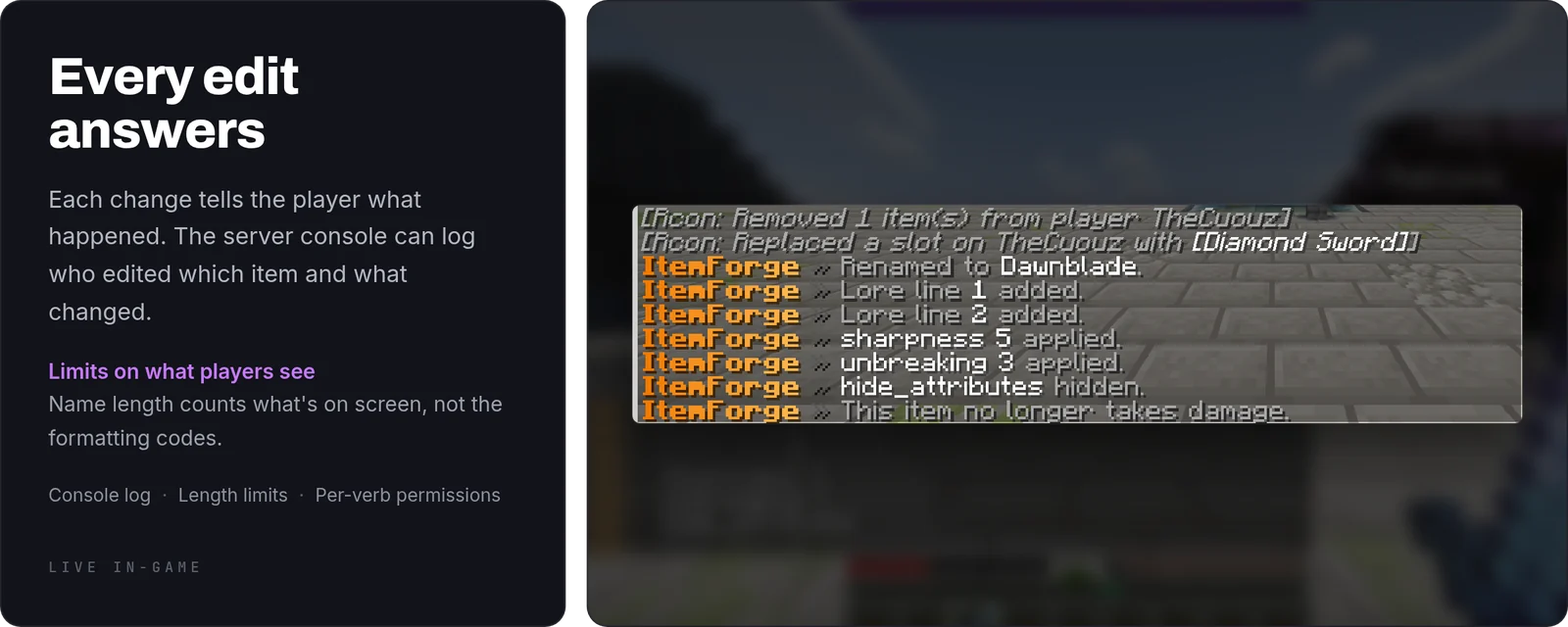
- Length is a limit, and it counts what the player sees: formatting codes take no room on screen, so they don't count against it. A name past the limit breaks anvils, holograms and hover text, which is why the ceiling exists.
- Colour, style and obfuscated text are three permissions: colour is decoration, bold is how a dropped item passes for a staff one, and obfuscated text scrambles what the item is.
itemforge.format.magicdefaults to false, not to operators. - It lives in your config: to protect another material you don't recompile anything, and a material name that doesn't exist is reported on startup instead of silently doing nothing.
Details that only show up in use
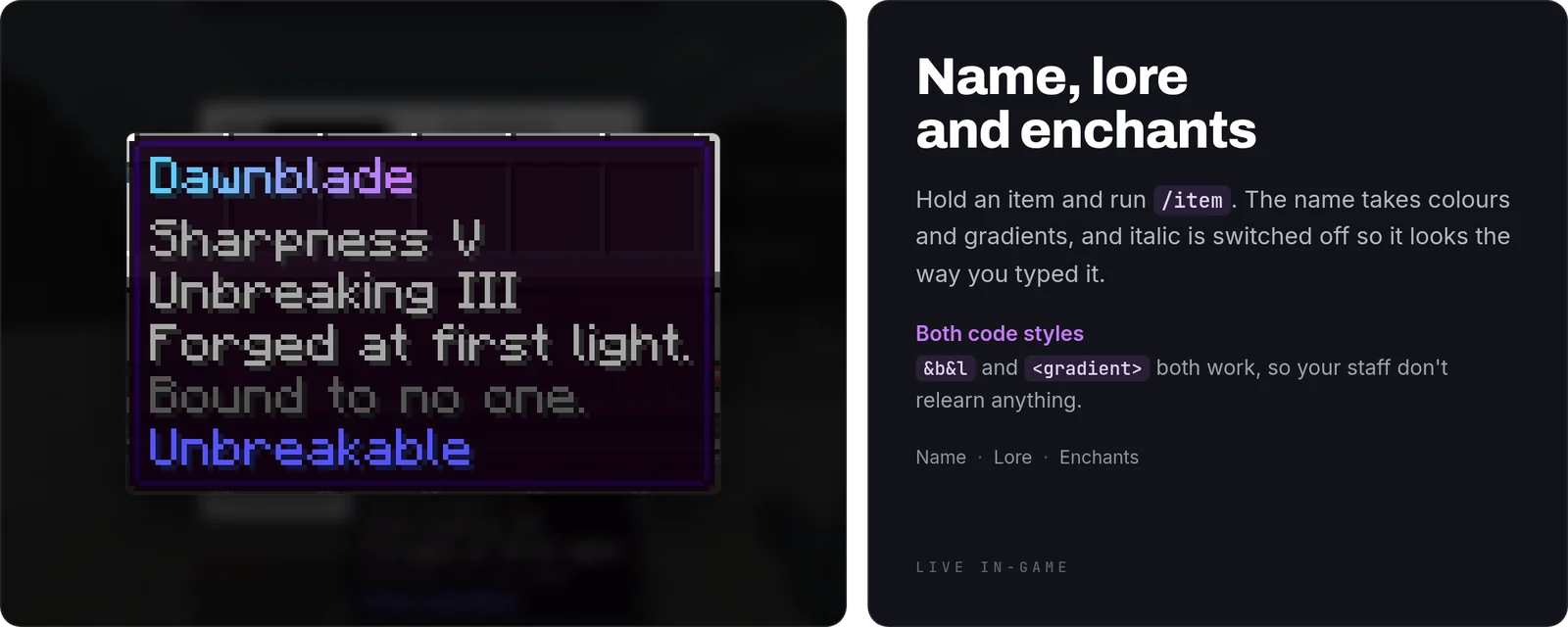
- Italic is turned off on every name and lore line. Minecraft italicises any custom name by itself, so a name typed with no formatting would otherwise come out formatted.
- A tag nobody granted has no meaning: the parser is built from the player's permissions, so a tag that isn't colour, style or obfuscated is left on the item as plain text.
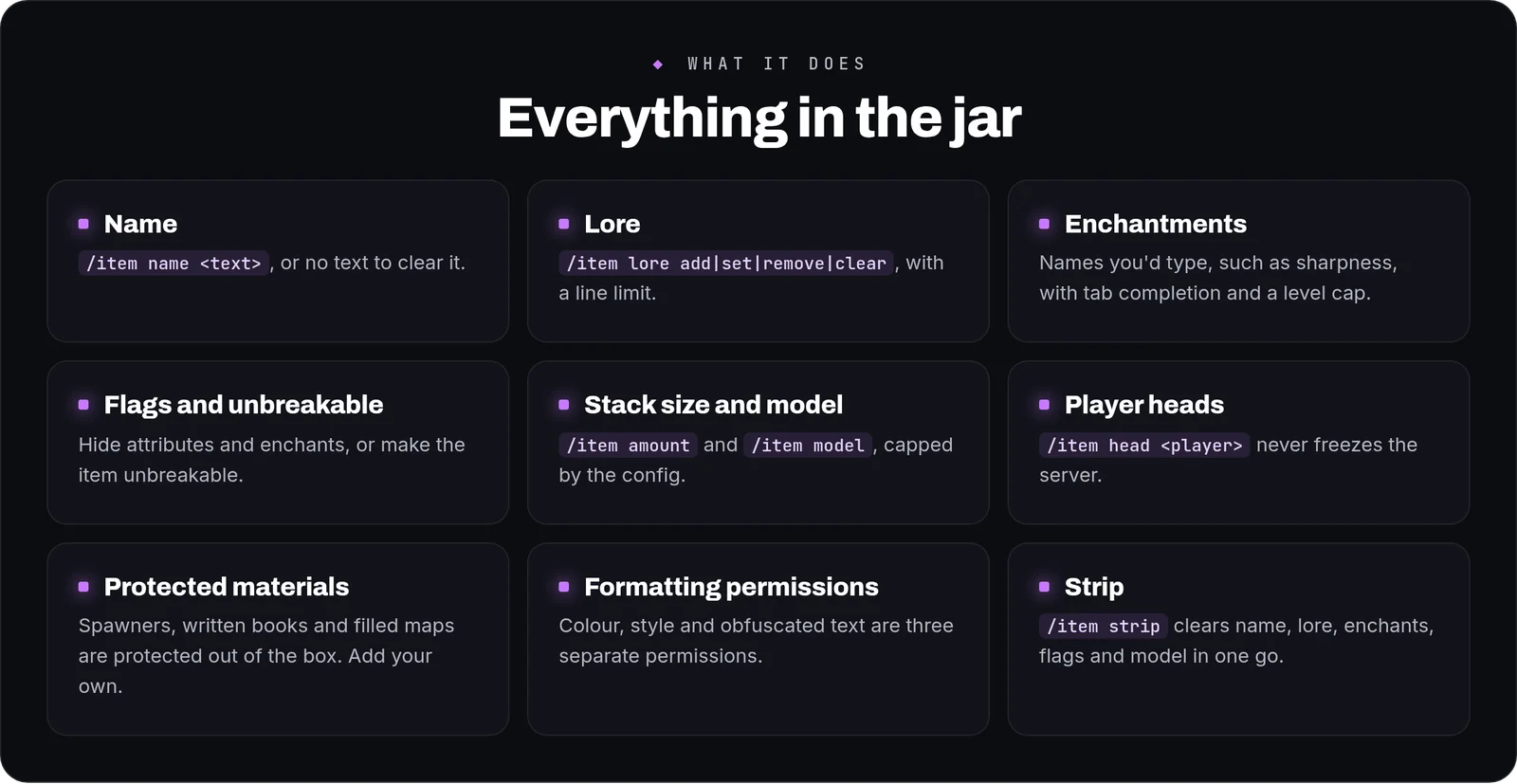
/item head <player>never freezes the server. The head is set by owner name, and a name nobody has used shows the default skin instead of an error./item stripasks for every permission it uses. It removes the name, lore, enchantments, flags, unbreakable and the model, so it needs all six, not just the two for name and lore.- Both
&codes and modern tags are accepted, so your staff don't have to relearn anything. - Vanilla
/item replaceand/item modifystill work. They are handed to Minecraft instead of showing ItemForge's usage.
Commands
/item name <text>, or with no text to clear it./rename <text>does the same./item lore add|set|remove|clear/item enchant <name> <level>,/item unenchant <name>and/item clearenchants. Names resolve the way a player would type them, with tab completion./item flag <flag>,/item unbreakable,/item amount <n>and/item model <n>/item head <player>,/item stripand/item reload(aliases/itemforgeand/if).
Permissions
- One per verb (
itemforge.name,itemforge.lore,itemforge.enchantand so on), so a builder rank can rename but not make things unbreakable. All default to operators. itemforge.playeris the kit to hand a default group: rename and lore with colours only. No bold or italic, no obfuscated text and no protected materials.- Three for formatting:
itemforge.format.colour,itemforge.format.styleanditemforge.format.magic. itemforge.protectedfor the material list, anditemforge.limits.bypassfor a staff member testing something. The second defaults to false: it is granted, not inherited by being an operator.- Every node is declared in
plugin.yml, so your permissions plugin can see them all.
Configurable
- Longest display name, longest lore line and how many lore lines an item may carry.
- The highest enchantment level, and the largest stack
/item amountwill set. - The protected material list: spawners, written books and filled maps out of the box, because a renamed one of those is how a fake passes for the real thing. Add your own.
- Whether every edit is written to the console: who, which item and what changed.
- A price (with Vault) and a cooldown per verb, for the player kit. The money is checked before the edit and taken after it; if the payment fails, the item goes back as it was. Staff skip both with
itemforge.bypass.costanditemforge.bypass.cooldown. - English and Spanish are included, and every string a player sees lives in the language file.
FAQ
Can a player use it?Yes, and safely: give them itemforge.player and they get /rename and lore with colours, nothing else. Set a price and a cooldown in config.yml if renaming should cost something. Everything else defaults to operators.
Can I stop people renaming spawners?Spawners are protected out of the box. Add any other material to the protected list in config.yml.
Can I see who edited what?Yes. Turn on the console log and every edit is written with the player, the item and the change.
Commands
| Command | What it does |
|---|---|
/item | Edit the item in your hand. |
/rename | Rename the item in your hand (the same as /item name). |