TTS-STUDIO
◈ Economy
ShopForge
Shops you edit and reload with players online
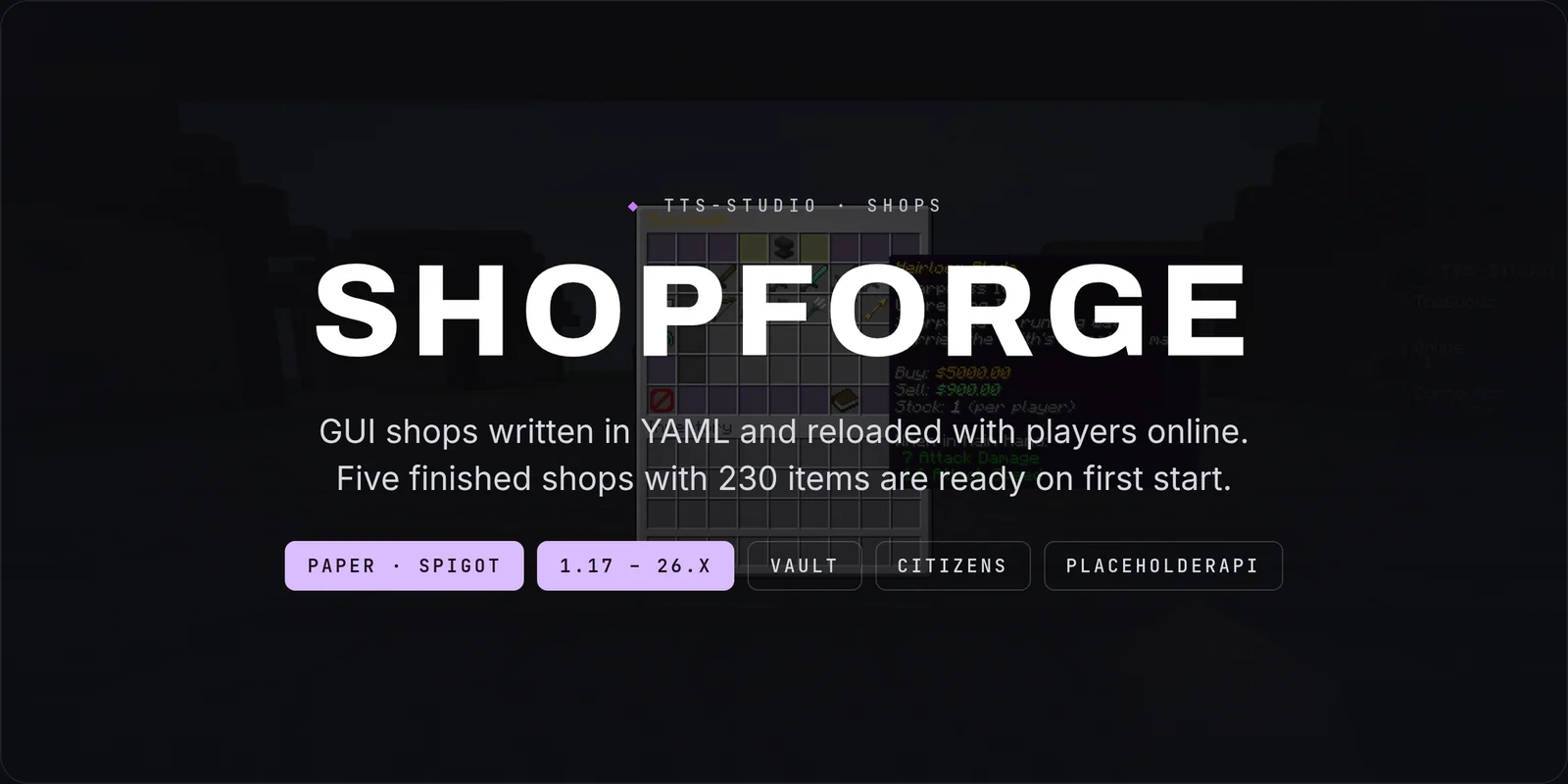
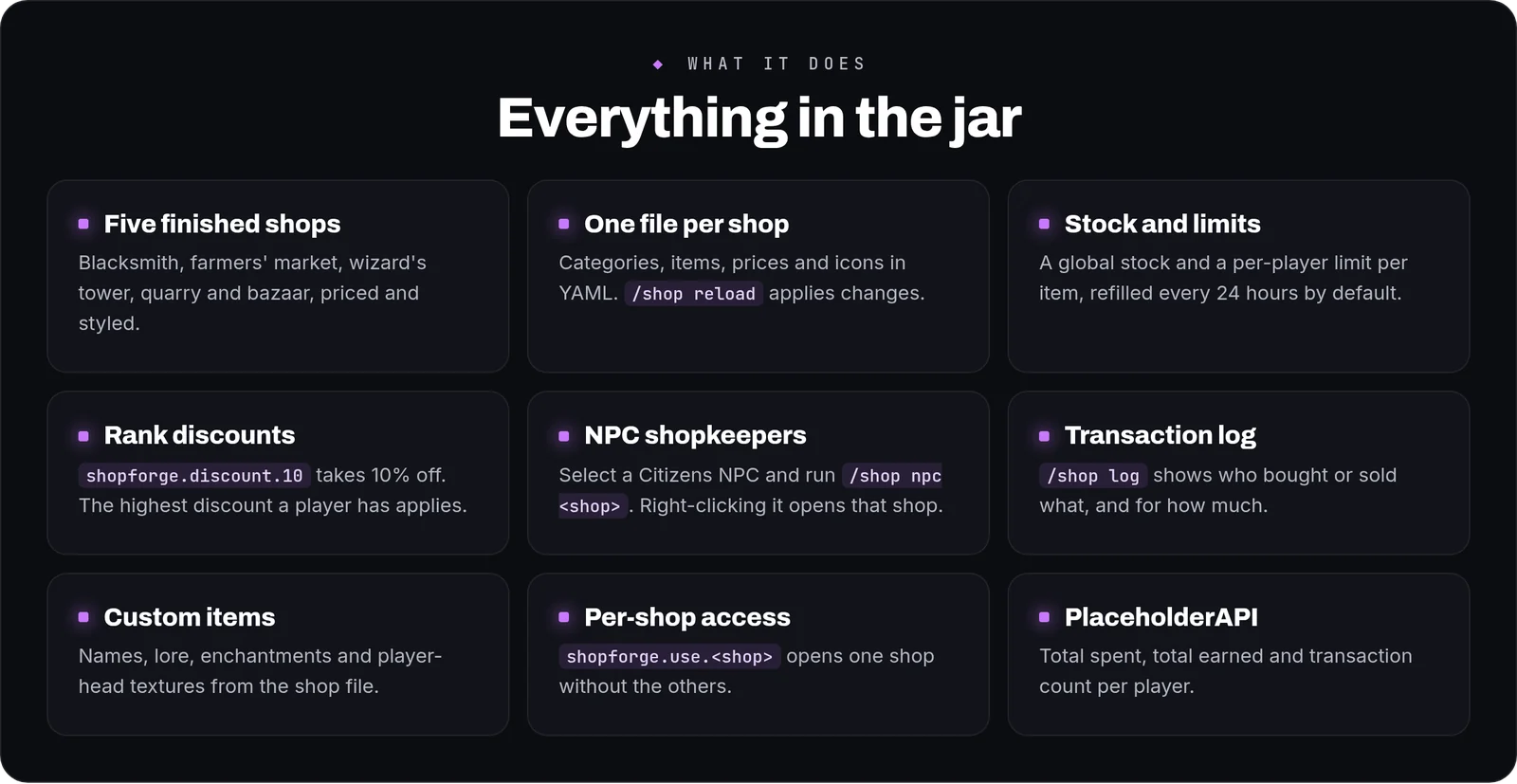
ShopForge is a GUI shop plugin for Paper and Spigot, 1.17 to 26.x. Each shop is a YAML file with its own categories, items, buy and sell prices and stock, and <code>/shop reload</code> applies changes with players online. You can also build them without opening a file: <code>/shop editor</code> makes shops, categories and items with clicks. Five finished shops with 230 items are copied onto your server the first time it starts, so <code>/shop</code> has something to sell straight away.

How it works in play
- Browsing:
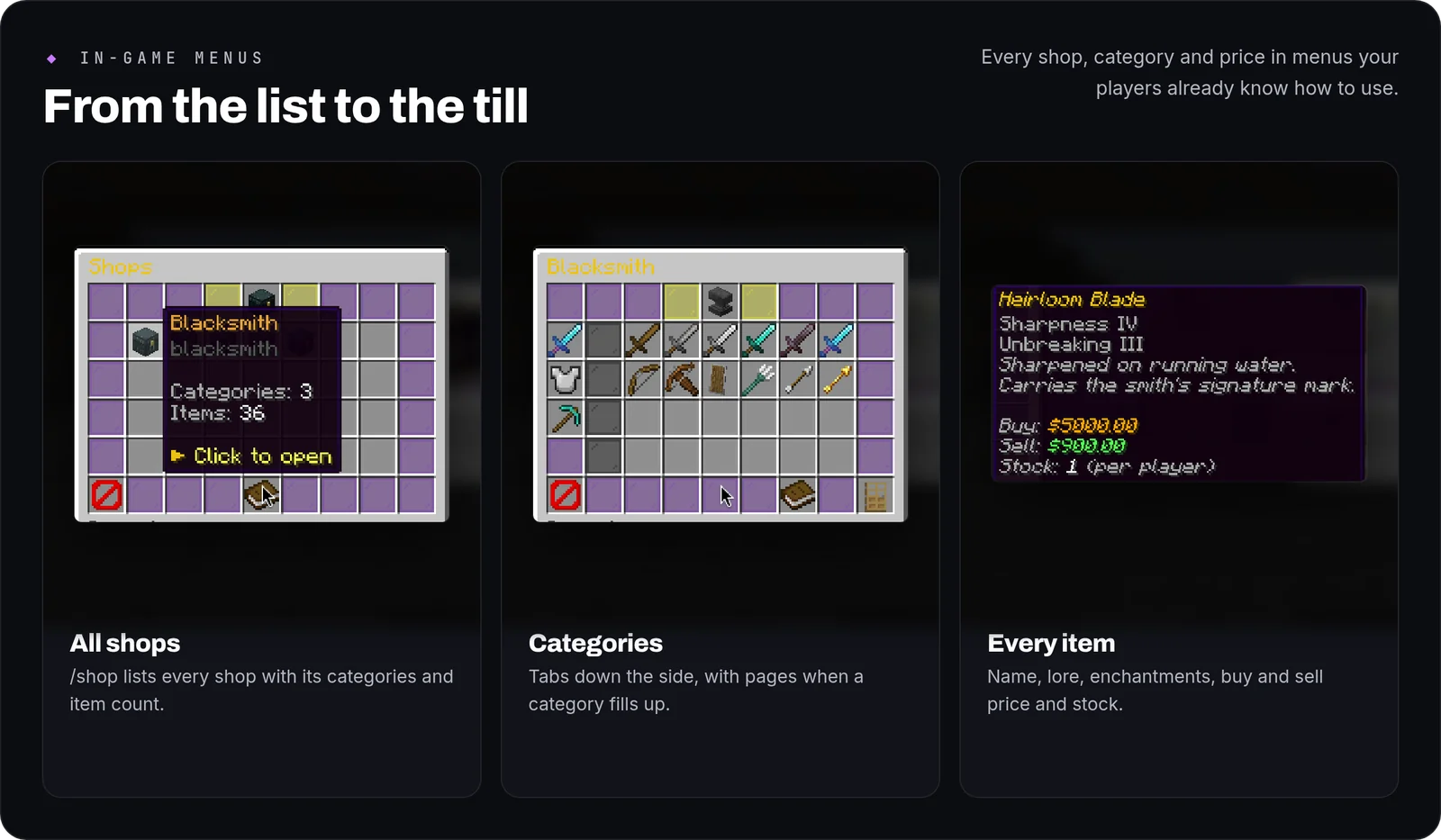
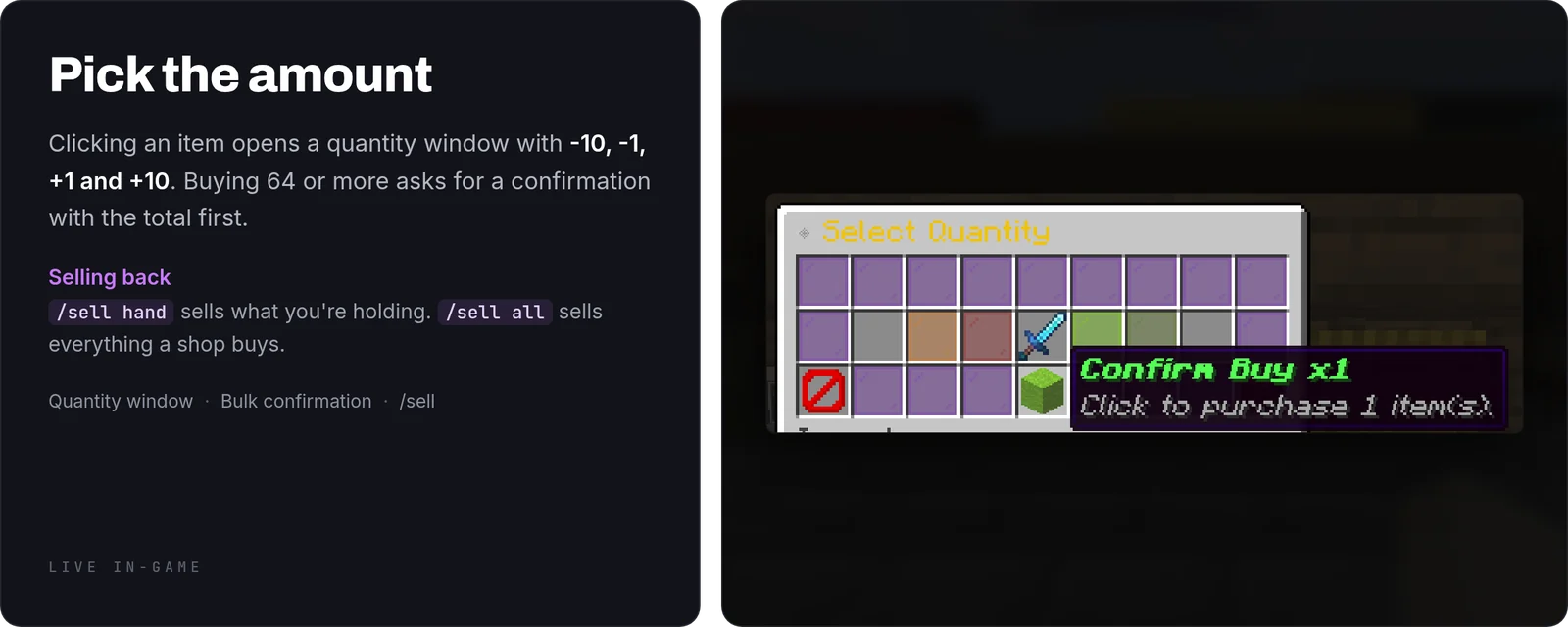
/shoplists every shop with its categories and item count. Inside a shop, categories are tabs down the side and long categories get pages. - Buying: clicking an item opens a quantity window with -10, -1, +1 and +10. Buying 64 or more at once asks for a confirmation that shows the total.
- Selling:
/sell handsells the item you're holding and/sell allsells everything the shops buy./sell all <shop>uses one shop's prices. - Stock: an item can have a global stock and a per-player limit. Per-player limits refill after 24 hours by default.
- Discounts:
shopforge.discount.<percent>takes that percentage off. If a player has several, the highest one applies.
Building shops with clicks
- Shops and categories:
/shop editorlists your shops and has a New shop button. You type the name in chat. Categories take the item in your hand as their icon, and you can rename them, reorder the tabs or open the shop the way players see it. - Adding items: inside a category, click any item in your own inventory and it goes on sale with its name, lore and enchantments. ItemsAdder, Nexo, Oraxen and MMOItems items keep their id. If the same item is already in one of your shops, its prices are copied.
- Setting prices: buy and sell price, currency, market prices, stock, limit per player and refill time each have a button. Numbers go up and down by 1, 10 or 100, or you click the number and type it. A Price check button turns red when a price hands out free money.
- Saving: every click is written to the shop's YAML file and applied at once. The editor leaves the keys it doesn't touch alone, and the first change after each restart copies the old file to
backups/editor/.
Currencies, custom items and market prices
- Currencies: each shop, or each item, picks what it is paid with: Vault money, PlayerPoints, experience levels or points, TokenManager tokens, or any ExcellentEconomy / CoinsEngine currency. One shop can sell for money and another for points.
/sell allshows one total per currency. - Custom items:
material: nexo:ruby_swordsells the exact item from ItemsAdder, Nexo, Oraxen or MMOItems, and selling only takes that item back. While the item plugin is still loading, the menu shows a barrier with the reason. - Market prices: with
dynamic: truea price goes up as players buy and down as they sell, between limits you set, and drifts back to normal on its own. The menu shows the change (Market: ▲ 12%). Buying and selling straight back never pays, because a batch is priced unit by unit./shop market <shop>shows the current prices and can reset them.
The five shops
Blacksmith (36 items), Farmer's Market (48), Wizard's Tower (48), Quarry (48) and Bazaar (50), each with its own colours, item names and lore. Edit their prices, delete the ones you don't want or use them as templates for your own.
Writing a shop
A shop is one file in plugins/ShopForge/shops/. This one has a single category with one item:
id: farmers-market display-name: "<#7EC850>Farmer's Market" size: 54 categories: produce: icon: WHEAT display-name: "Produce" items: - id: bread material: BREAD display-name: "Hearth Bread" lore: - "<gray>Crusty loaf, still warm." buy-price: 6 sell-price: 2 stock: -1 # -1 = unlimited stock-per-player: 0 # 0 = no limit
How to use it
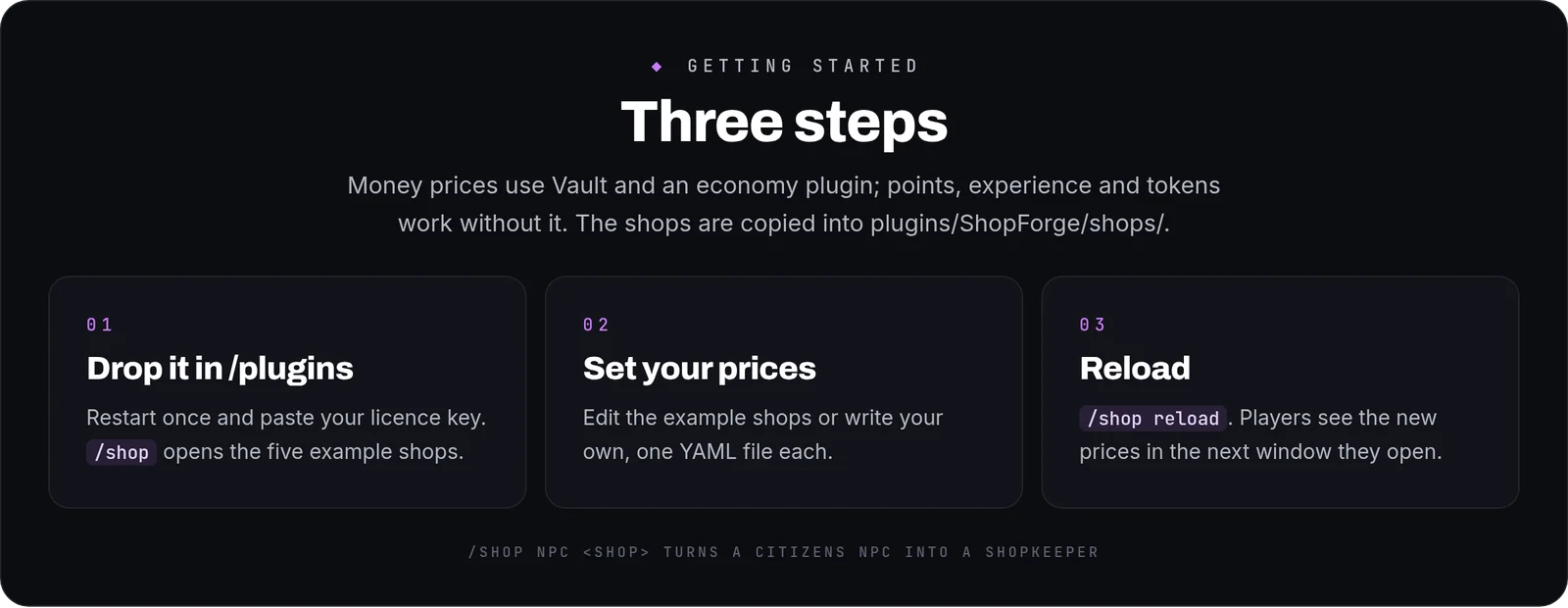
- Install: put ShopForge in
/plugins(with Vault and an economy plugin for money prices) and restart once. English is the default; setlanguage: esfor Spanish. - Adjust the shops in
plugins/ShopForge/shops/, add new files, or do both in game with/shop editor. - Apply changes with
/shop reload. The next window a player opens has the new prices. - Check the prices with
/shop audit: it lists anything a player can buy and sell back for more, in any of your shops, and any recipe whose ingredients cost less than the shops pay for the result. Startup and every reload run it and say in one line if something turned up. It also lists items that can't be traded right now: a custom item that hasn't loaded or a currency that isn't installed. - Shopkeepers (optional, needs Citizens): select an NPC with
/npc selectand run/shop npc <shop>. Right-clicking the NPC opens that shop.
Commands and permissions
- Everyone (
shopforge.use):/shop,/shop <id>,/shop list,/shop logfor their own history,/sell hand,/sell all [shop]. - Operators (
shopforge.admin):/shop editor [shop](also on its own asshopforge.editor),/shop reload,/shop audit,/shop log <player>,/shop give <player> <item>,/shop npc <shop>,/shop market <shop> [reset]. shopforge.use.<shop>opens a single shop.shopforge.discount.<percent>gives a discount.
Placeholders
With PlaceholderAPI installed: %shopforge_total_spent%, %shopforge_total_earned% and %shopforge_transactions_count%.
FAQ
Do I have to restart after changing a price?No. Run /shop reload and the next window shows the new price. A price changed in /shop editor applies on the click.
Can I check what a player bought?Yes. /shop log <player> lists their purchases and sales with amounts and prices.
Can an item be limited to one per player?Yes. Set stock-per-player: 1. Add stock-refill-hours to choose when it refills.
Can I translate the messages?Yes. English and Spanish are included in lang/, in MiniMessage, and missing keys fall back to English.
What happens if I make a typo in a shop file?
That shop keeps the version that was loaded before, and the reload tells you the file and the line. An item with an unknown material or a price that isn't a number is skipped on its own, with its name. The other shops, and the rest of that shop, keep working.
Commands
| Command | What it does |
|---|---|
/shop | Open a shop or admin subcommands |
/sell | Sell item in hand or entire inventory |