TTS-STUDIO
◈ Cosmetic
HudForge
Sidebar, TAB, name tags and boss bars from one file
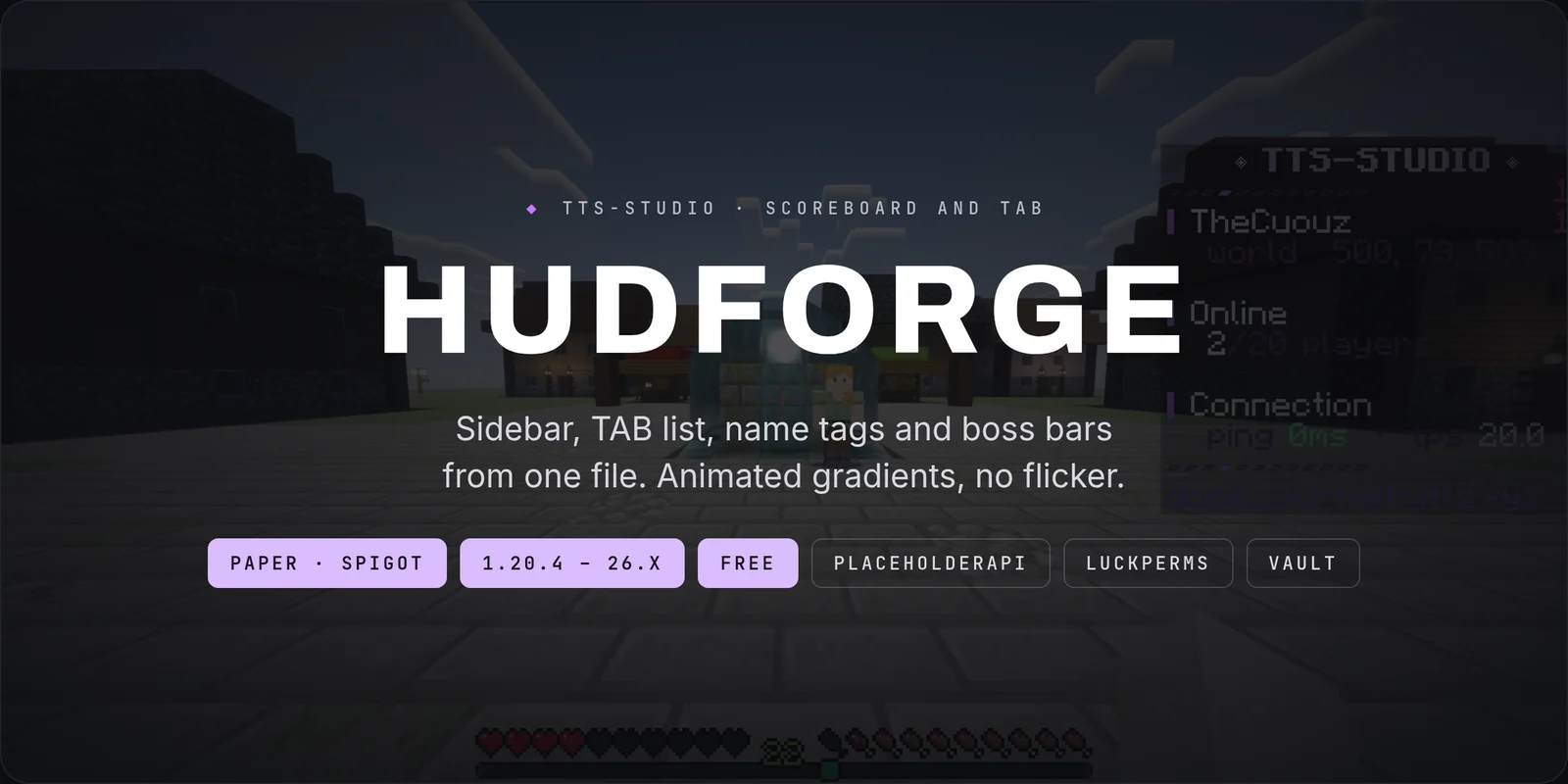
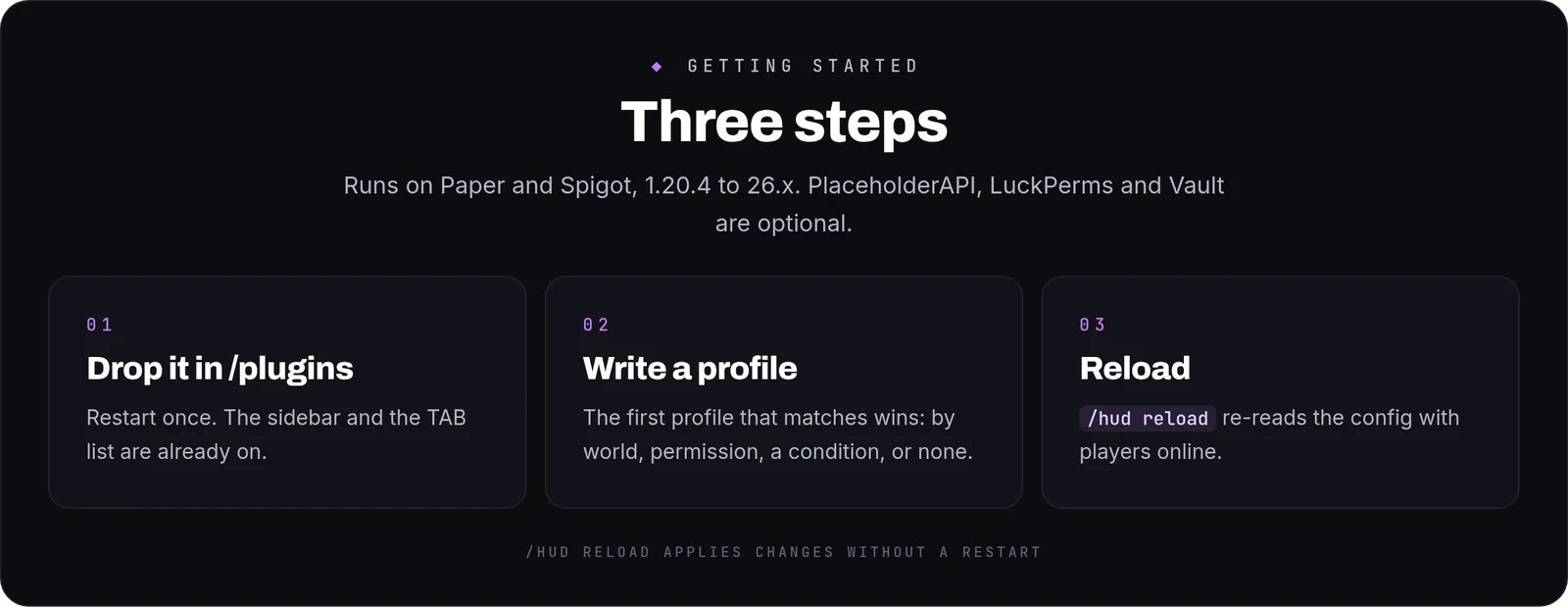
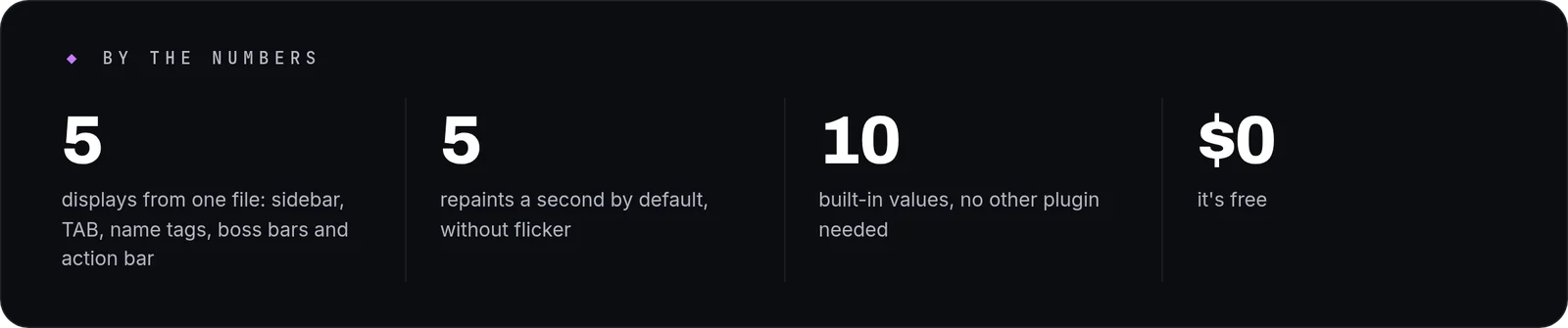
HudForge writes the sidebar, the TAB list, the name above a player's head, the boss bar and the action bar from a single file. It is free, runs on Paper and Spigot from 1.20.4 to 26.x, and comes configured: drop it in and the scoreboard is already there.
How it works in play
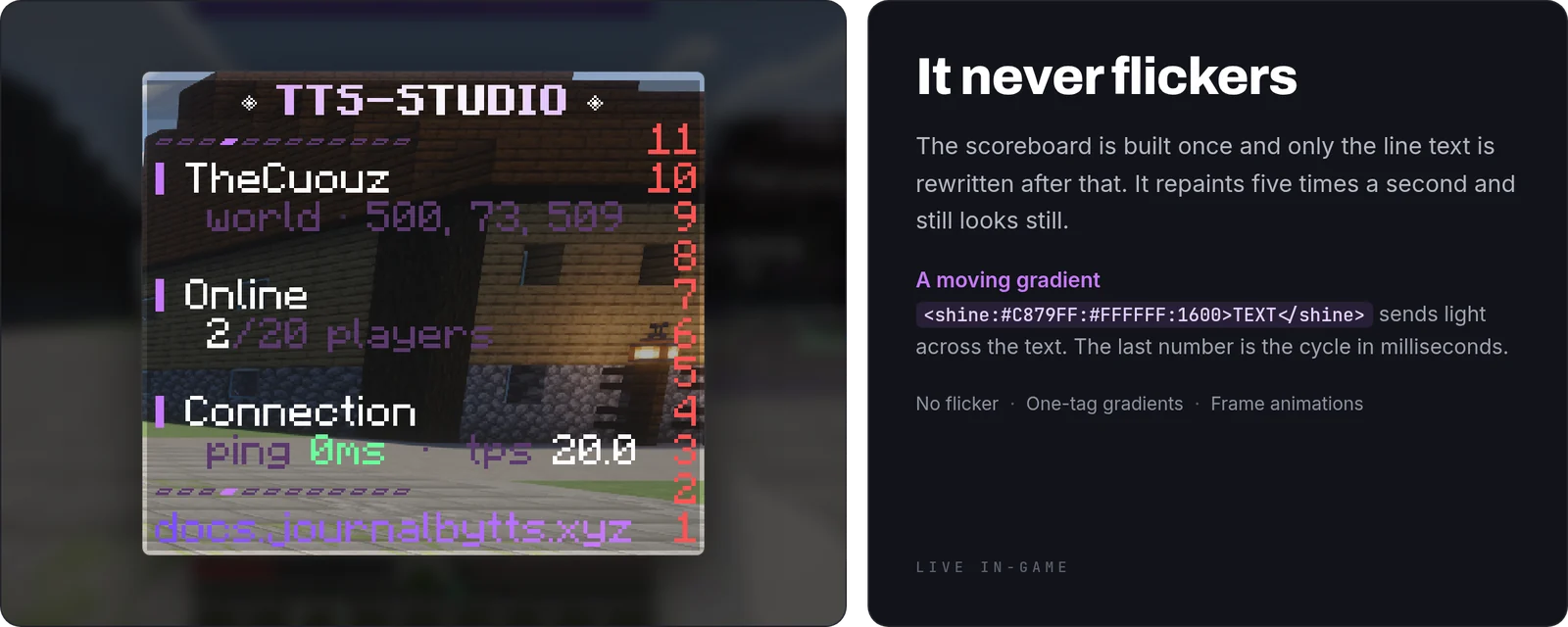
- No flicker, at any refresh rate: the scoreboard is built once and only the line text is rewritten after that. The default is four ticks, five repaints a second.
- A moving gradient is one tag:
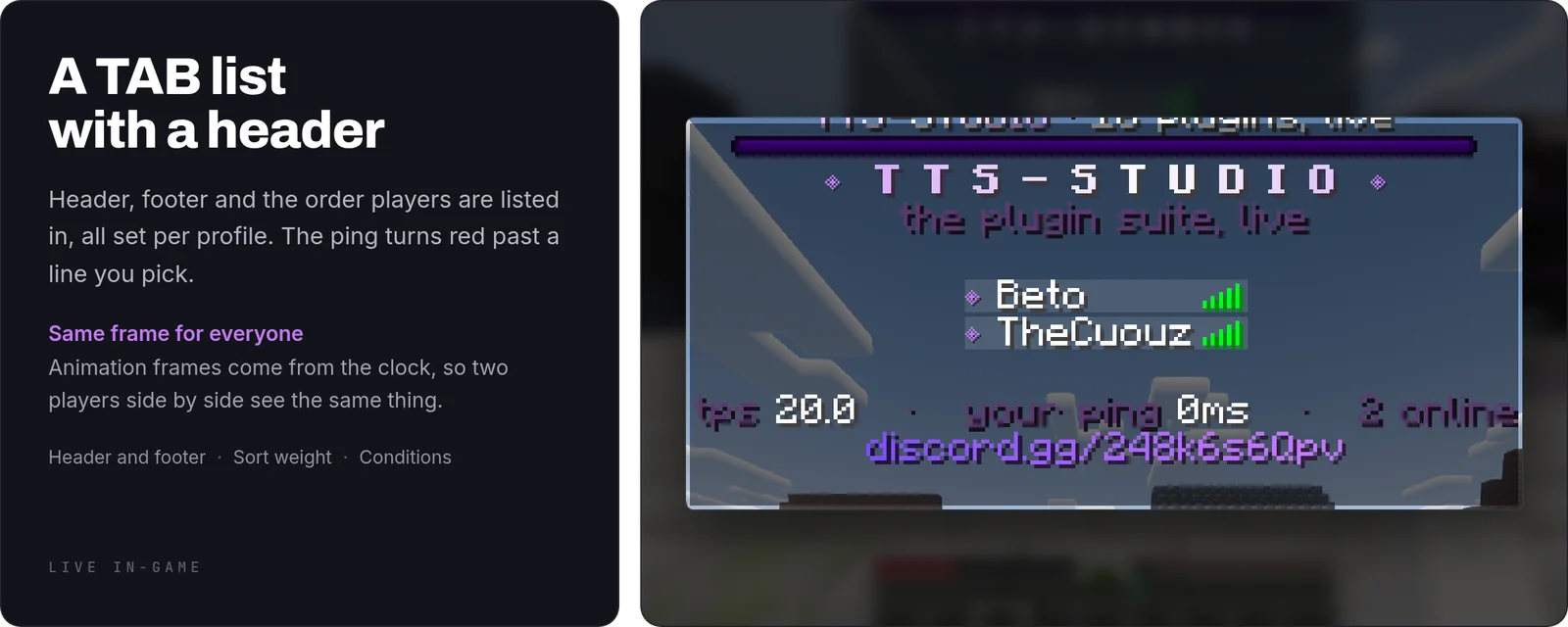
<shine:#C879FF:#FFFFFF:1600>TEXT</shine>and the light travels across the text. The last number is the cycle in milliseconds. - Everyone sees the same frame: animation frames come from the clock, not from a counter per player, so two players standing together see the same thing.
- One file for five displays: sidebar, TAB header and footer, name tags, boss bars and the action bar are written in the same place, in the same syntax.
- Profiles instead of a tree: the first profile that matches wins. Match by world, by permission, by a condition, or by nothing at all.
What you get
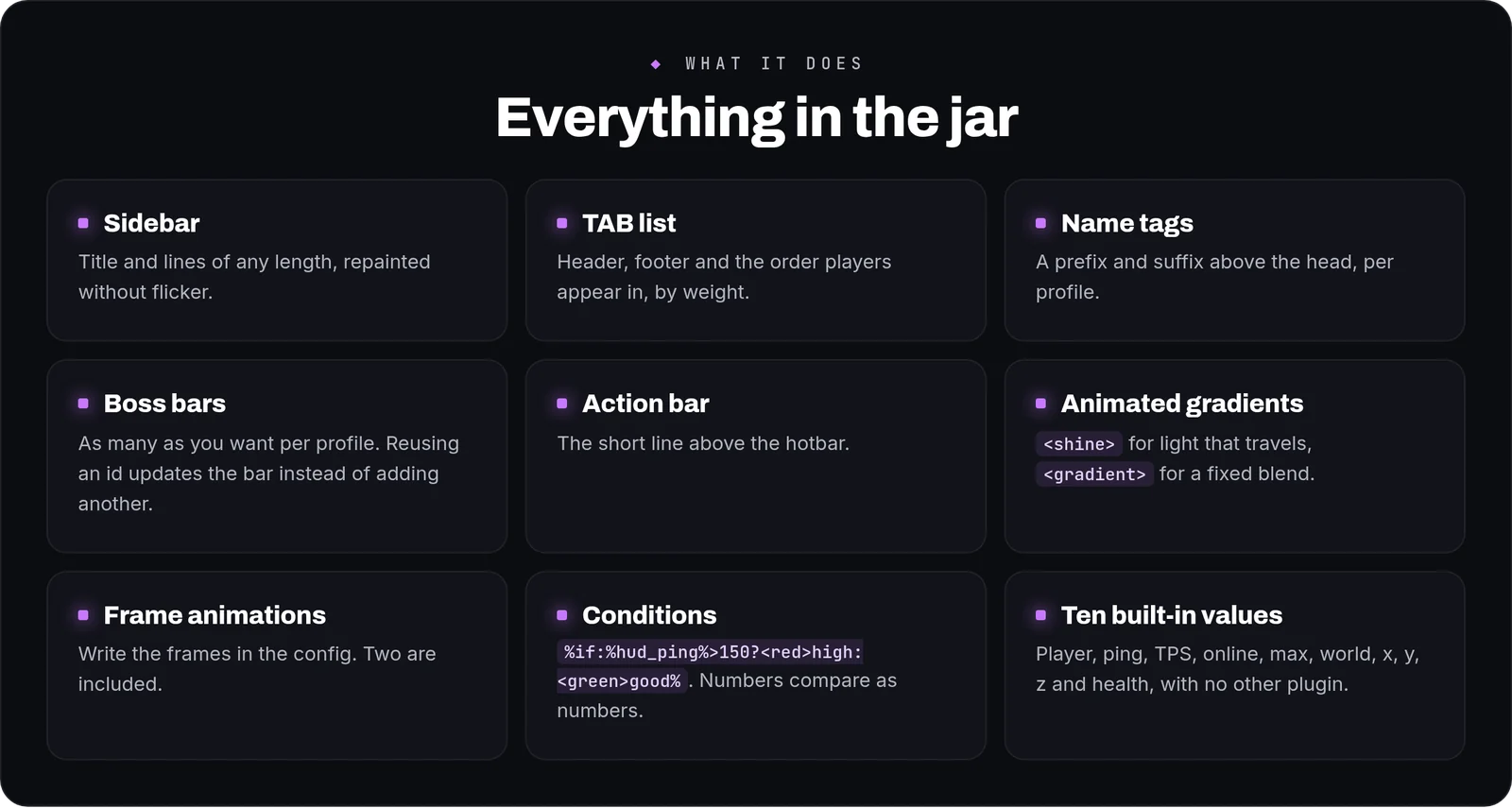
- Sidebar: a title and lines of any length. A line past the scoreboard's limit is split where it doesn't break a colour tag.
- TAB list: header and footer, plus the order players are listed in, set per profile by a weight.
- Name tags: a prefix and suffix above the head, per profile.
- Boss bars: as many as you like per profile, each with its own colour, style and fill. Bars from a profile a player has left are taken down.
- Action bar: the short line above the hotbar.
- Frame animations:
<anim:name>, with the frames written in the config. Two are included: a dot of light running along a separator, and a breathing diamond. - Conditions:
%if:%hud_ping%>150?<red>high:<green>good%. Numbers compare as numbers, so 9 is not greater than 100. - Lines with a condition: write a line as
{text: "...", when: "%df_faction_name%!=none"}and it is left out while the condition fails; the lines below move up. Works on sidebar lines, TAB header and footer lines, and boss bars. - Math:
<math:(660/100)*%player_level_percent%:1>computes with placeholder values (+ - * / %, parentheses,min max round floor ceil abs). Boss bar fills accept formulas too:progress: "%hud_health%/20". - Bars:
<bar:%hud_health%:20:10>draws a row of characters whose filled part follows the value. Pick the characters and the two colours. - Pictures: drop a .png into
plugins/HudForge/imagesand write<img:name>anywhere. The plugin builds the resource pack itself and either serves it to your players or exports the files into ItemsAdder, Nexo or Oraxen for them to merge. - Components: a piece you reuse with parameters,
<use:stat:label=Kills>, so the shape of a stat is written once. - Sidebar intro: the lines come in one after another when a player joins, with a delay if you want one.
- From a command:
/hud open <profile> [player|*] [seconds]forces a profile onto a player for a while;/hud barand/hud actionbarshow a timed boss bar (its fill runs down) or an action bar line. Made for other plugins and scripts, from the console too. - Per-player choice:
/hud toggle <sidebar|tablist|bossbar|actionbar|all>hides a part for that player and remembers it across reconnections. - Built-in values:
%hud_player%%hud_ping%%hud_tps%%hud_online%%hud_max%%hud_world%%hud_x%%hud_y%%hud_z%%hud_health%. - PlaceholderAPI: when it's installed, anything another plugin publishes can go on the board.
- Colours:
<gradient:#A:#B>and&b&lboth work, so an old config can be pasted in as it is.
Writing a profile
This is a complete profile. Anything you leave out isn't checked.
profiles: vip: worlds: [survival] # only in this world permission: hudforge.vip # only for this permission weight: 100 # higher up the TAB list sidebar: title: "<shine:#C879FF:#FFFFFF:1600><bold>MY SERVER</bold></shine>" lines: - "<anim:separator>" - "<white>%hud_player%" - "<gray>ping %if:%hud_ping%>150?<red>%hud_ping%ms:<green>%hud_ping%ms%" tablist: header: ["", "<white>MY SERVER", ""] footer: ["<gray>tps %hud_tps%"] nametag: prefix: "<gold>VIP " bossbars: event: text: "<white>Double XP weekend" color: PURPLE style: PROGRESS progress: "1.0"
Configuration
config.ymlholds the refresh rate, the frame animations and every profile, with a comment next to each key.- Profiles are read in the order you write them and the first match wins, so put the specific ones first.
metrics-idturns anonymous usage statistics off when it's set to 0.
Commands and permissions
/hud reloadre-reads the config without a restart (hudforge.admin, operators by default)./hud hideand/hud toggle <sidebar|tablist|bossbar|actionbar|all>hide parts of the HUD for the player who runs them, saved inplayers.yml. Everyone can use them; denyhudforge.hideto keep the HUD forced on. Name tags and the TAB order others see are never affected./hud open <profile> [player|*] [seconds],/hud close [player|*],/hud bar <player|*> <seconds> [color=RED] <text>,/hud actionbar <player|*> <seconds> <text>and/hud imagesneedhudforge.adminand work from the console./huditself needshudforge.use, which everyone has. Every node is declared inplugin.yml.
FAQ
Why from 1.20.4?The sidebar lines use the long team prefixes that came with that version.
Can I paste a config from another scoreboard plugin?Colour codes with & work as they are. You'll need to move the lines into a profile.
Does it need PlaceholderAPI?No. The ten built-in values work without it.
Commands
| Command | What it does |
|---|---|
/hud | HudForge main command |