TTS-STUDIO
◈ Survival
SmartHomes
Named homes with a menu instead of a command list
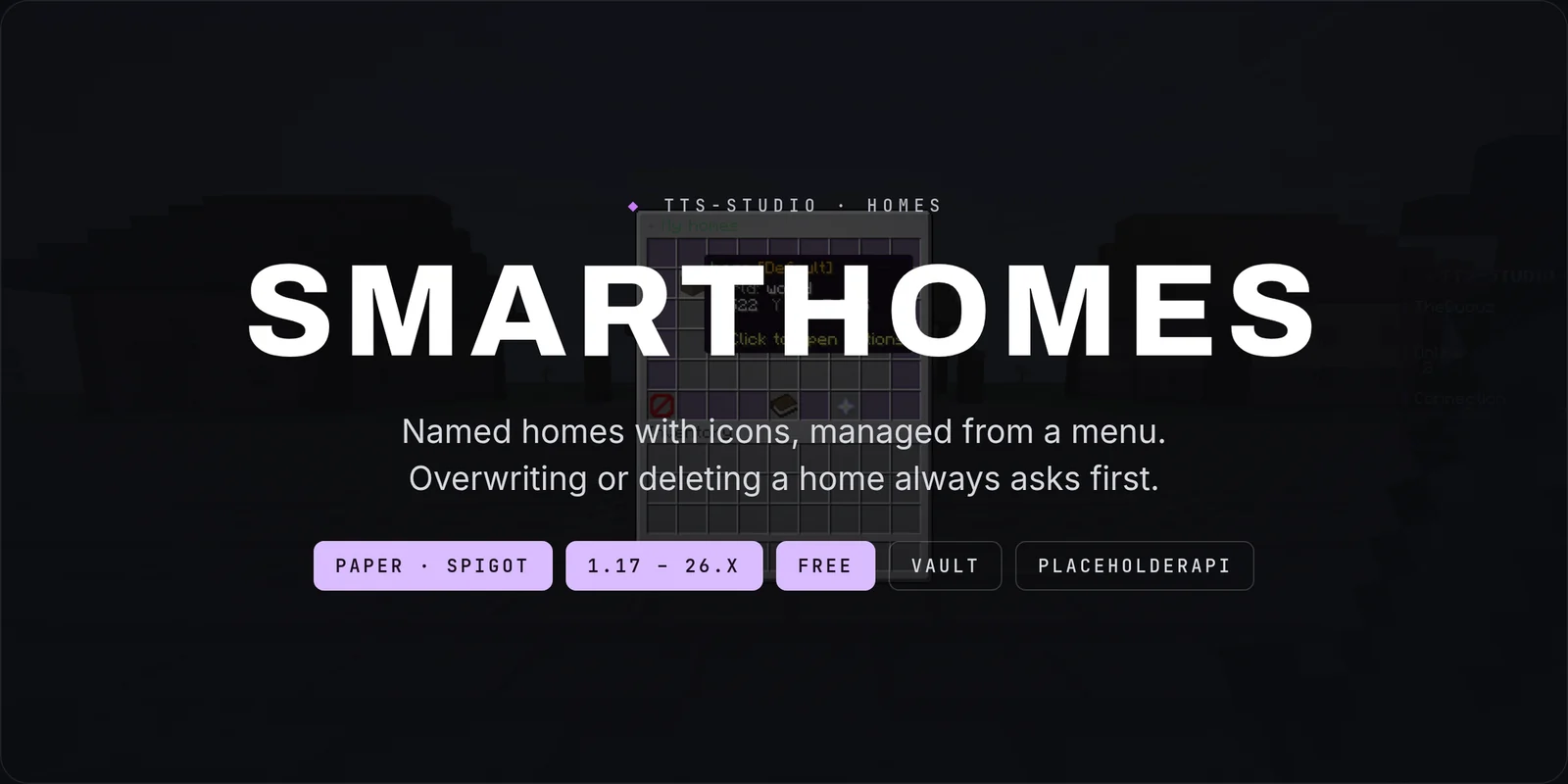
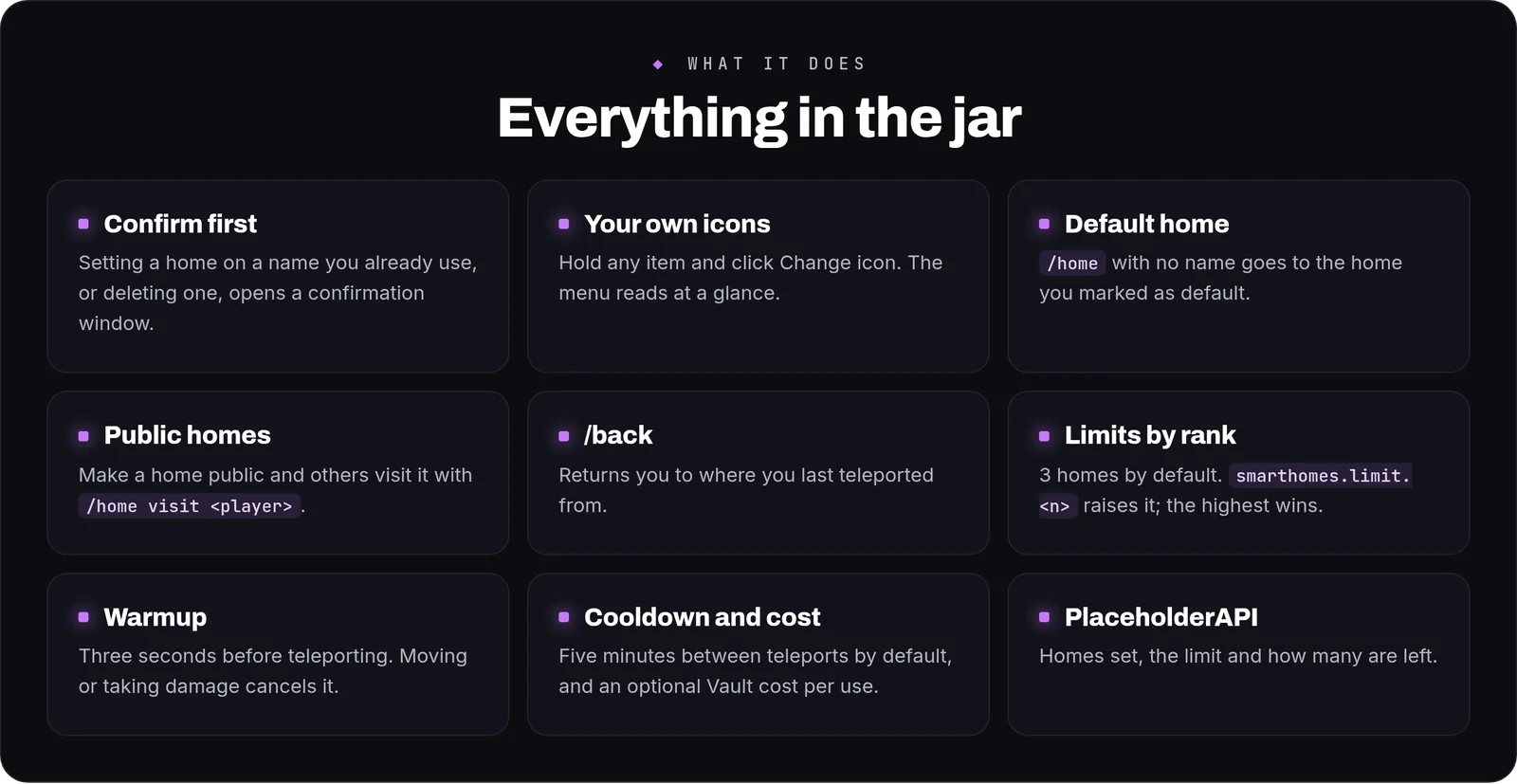
SmartHomes is a free homes plugin for Paper and Spigot, from 1.17 to 26.x. Players name their homes, give each one an icon and manage them from a menu instead of a list of commands. Overwriting an existing home or deleting one always asks for confirmation first.

How it works in play
- Setting homes:
/sethome <name>. If the name is already taken, a confirmation window asks before moving it. - The menu:
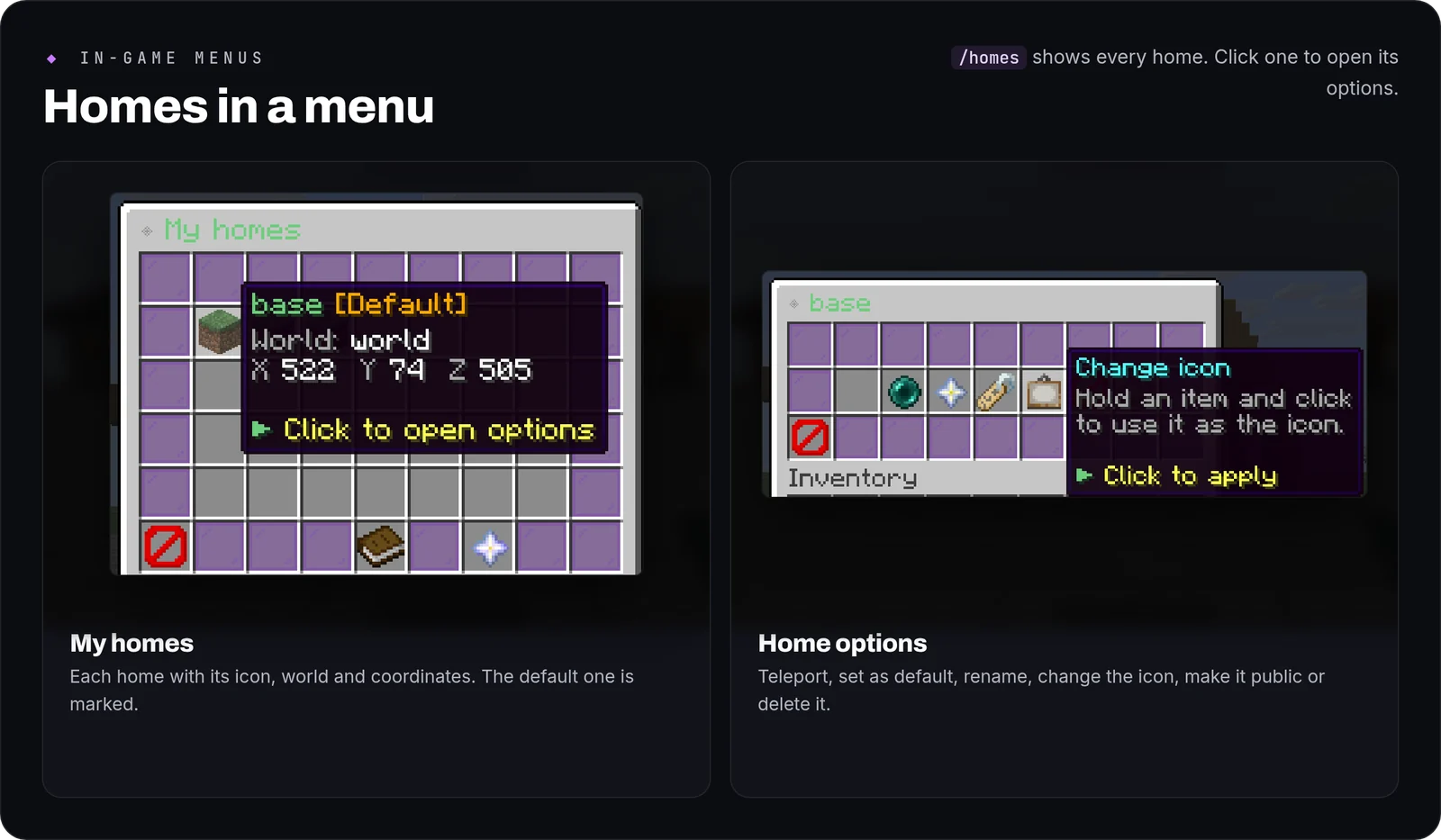
/homesshows every home with its icon, world and coordinates. Clicking one opens its options: teleport, set as default, rename, change the icon (hold an item and click), make it public or private, and delete. - Travelling:
/home <name>, or just/homefor your default home. A three-second warmup runs first, and moving or taking damage cancels it. - Public homes: once a home is public, other players reach it with
/home visit <player> [home]. - Going back:
/backreturns you to where you last teleported from.
How to use it
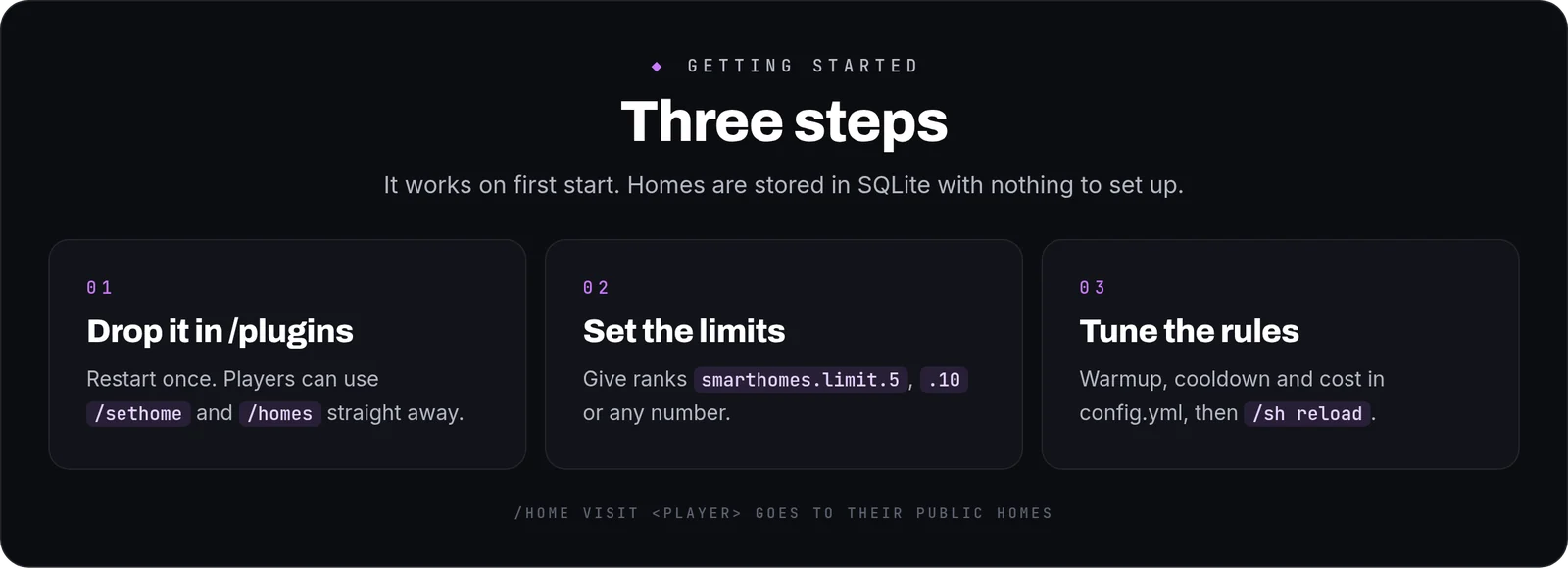
- Install: drop the jar into
/pluginsand restart once. Homes are stored in SQLite with nothing to set up. English is the default; setlanguage: esfor Spanish. - Set the limits: every player gets 3 homes. Give ranks
smarthomes.limit.5,smarthomes.limit.10or any other number; the highest one applies. - Tune the rules in
config.yml: warmup length, a five-minute cooldown by default, an optional Vault cost per teleport, and whether/backis cleared on death. - Apply changes with
/sh reload.
Commands and permissions
- Everyone:
/sethome,/home,/homes,/delhome,/home visitand/back. smarthomes.limit.<n>sets how many homes a player can have.smarthomes.bypass.warmup,smarthomes.bypass.cooldownandsmarthomes.bypass.costskip each rule (operators by default).- Operators (
smarthomes.admin):/sh reload.
Placeholders
With PlaceholderAPI installed: %smarthomes_count%, %smarthomes_limit% and %smarthomes_remaining%.
FAQ
Can players lose a home by mistake?Overwriting a home by name and deleting one both need a confirmation click.
Can a home be used to escape a fight?The warmup is cancelled if the player moves or takes damage.
Can players share a home?Yes. Make it public from its options and others can visit it.
Can I translate the messages?Yes. English and Spanish are included in lang/, in MiniMessage, and missing keys fall back to English.
Commands
| Command | What it does |
|---|---|
/sethome | Set a home at your current location |
/home | Teleport to a home |
/delhome | Delete a home |
/homes | Open homes GUI |
/sh | SmartHomes admin command |
/back | Return to your last teleport-from location |